Songwriting app for English & German lyrics
Write your lyrics.
Keep your voice.
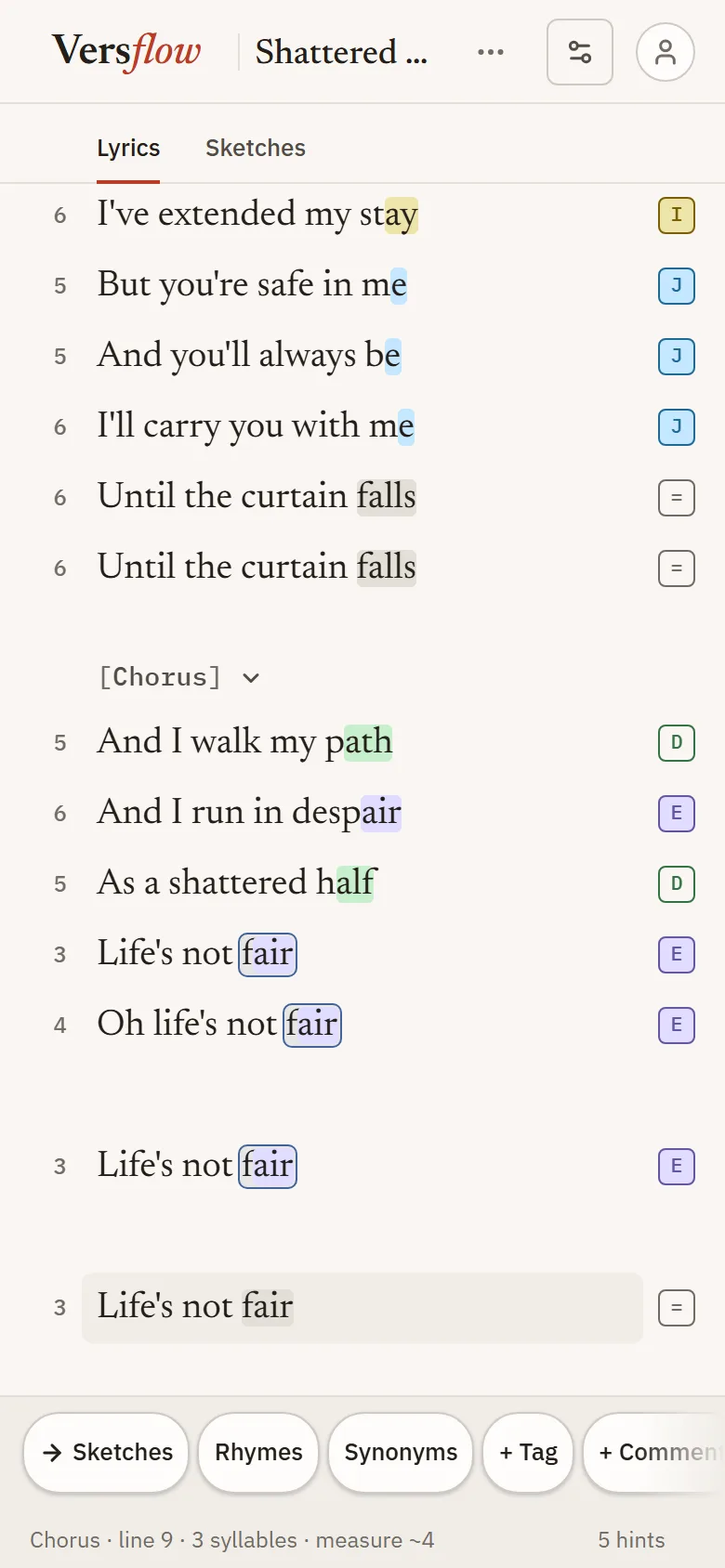
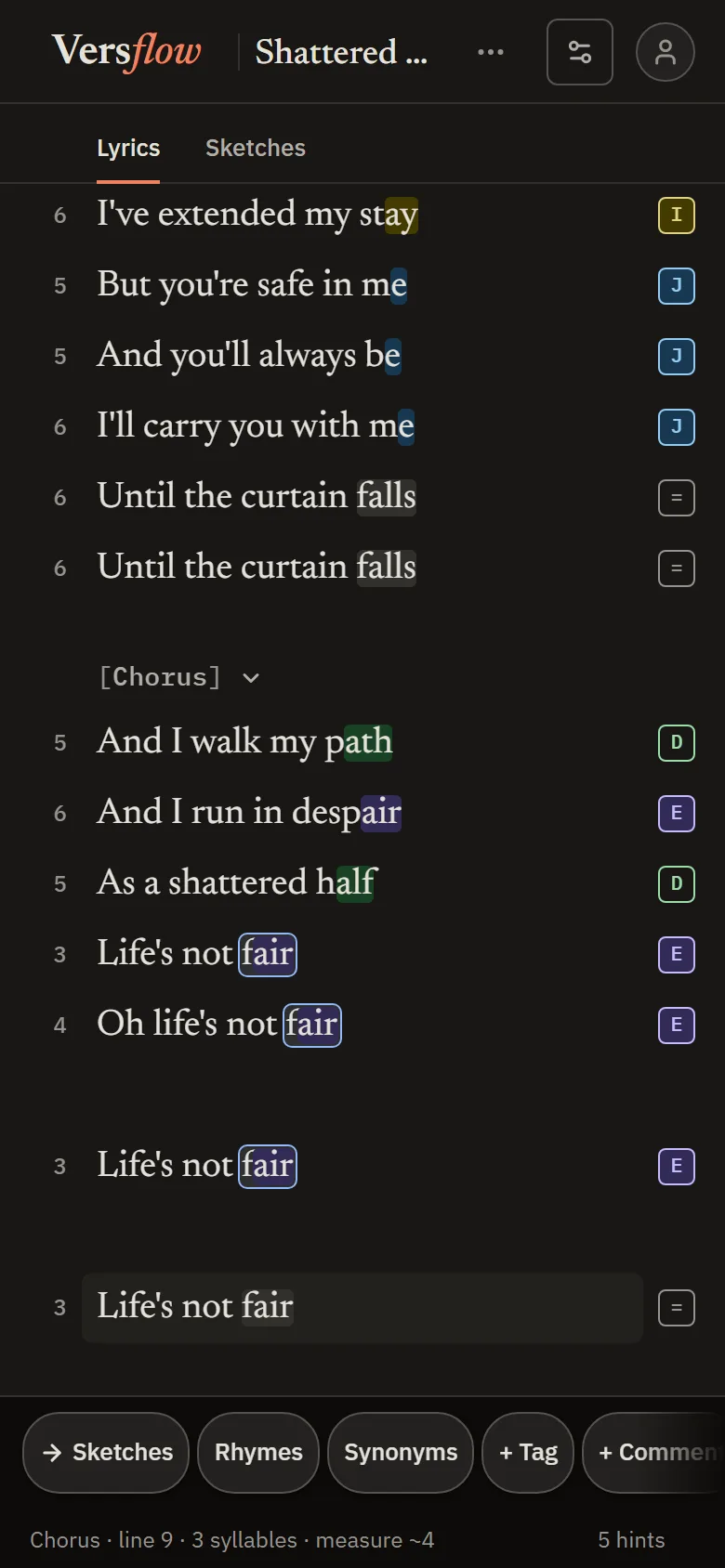
As you write, VersFlow shows you what rhymes: end rhymes, internal and multisyllabic rhymes, marked in colour down to the syllable. Every line shows its syllable count, and when a word won't come, rhymes and synonyms are right at your cursor. The analysis shows where your song still needs work, and if you like, an AI gives it a second read. Every line stays yours.
Free · Start without an account · Runs in your browser

Features
Everything a writer reaches for.
Nothing that writes for you.
-
EN DE
Rhymes in English and German
Most rhyme tools stop at English. VersFlow finds and colours end, internal and multisyllabic rhymes in both languages – even in the same song. The dictionary knows more than 250,000 word forms, and VersFlow hears rhymes in names and slang too.
-
▲ 13
Lines that fit the beat
Every line shows its syllable count. VersFlow reads from your own lines how long your verse, chorus and bridge run, and flags only the lines that break the pattern.
-
Ctrl .
The right word at the cursor
Rhymes and synonyms appear where you write, filtered to the syllables you need – plus opposites, idioms, related words and words that start with the same sound, for alliteration. No second tab, no search engine.
-
3 hints
See the whole song
Are the verses built alike? How many lines really rhyme? Which stylistic devices are you already using? The analysis shows where to look again and takes you straight to the line. It asks questions; it never rewrites.
-
⇥
Ready for Suno and more
Copy a finished song with section tags and Styles for Suno or other music tools, or as clean lyrics for streaming services and lyrics sites. Cues like [Whisper] or [Fade Out] go right at the cursor.
-
Ctrl S
Rewrite without losing a thing
The history saves your song automatically as you write. Want to try a different chorus? Start a variant, put the two side by side and take the better line with one click. And a line that doesn't fit yet waits in your sketches beside the lyrics.
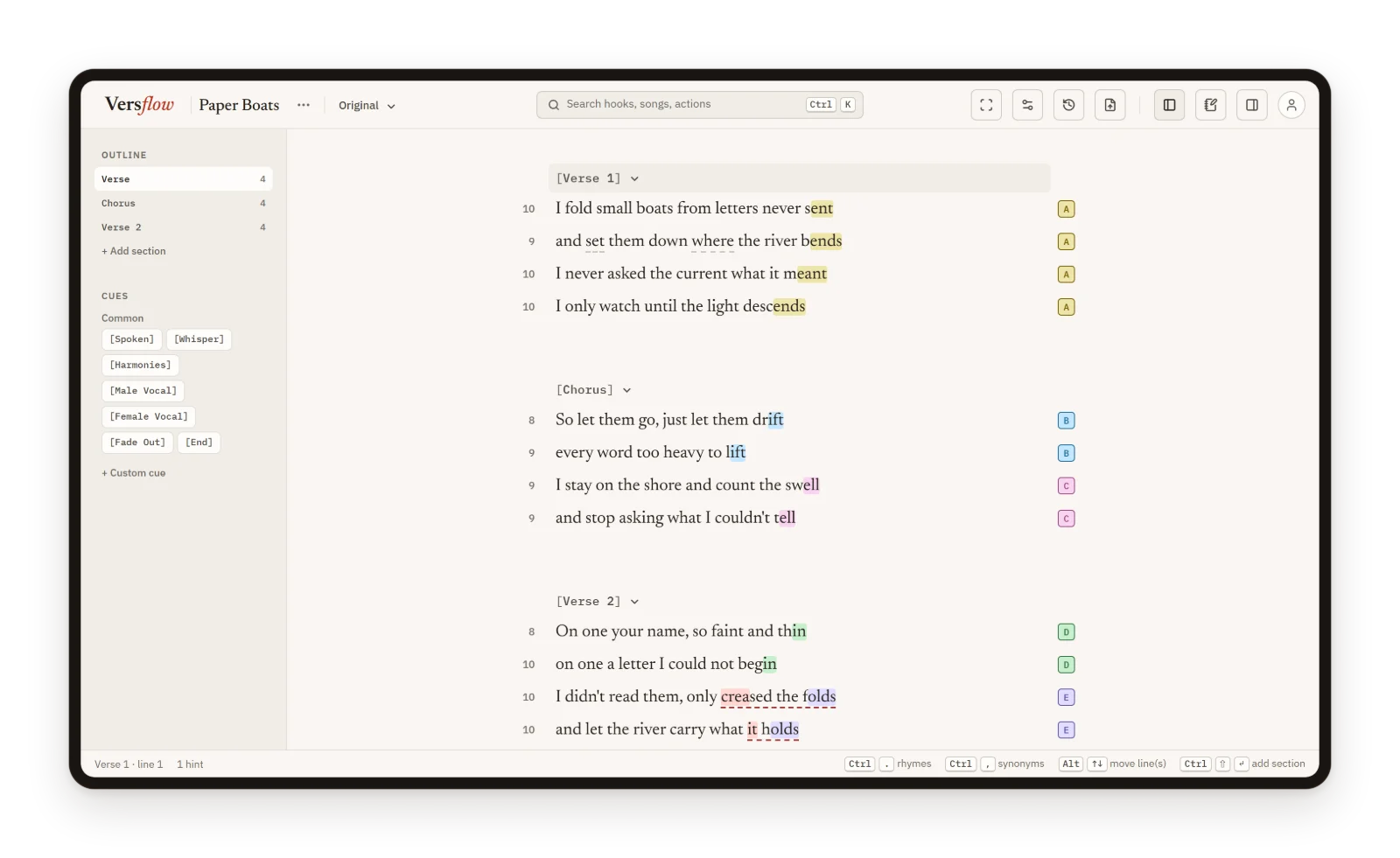
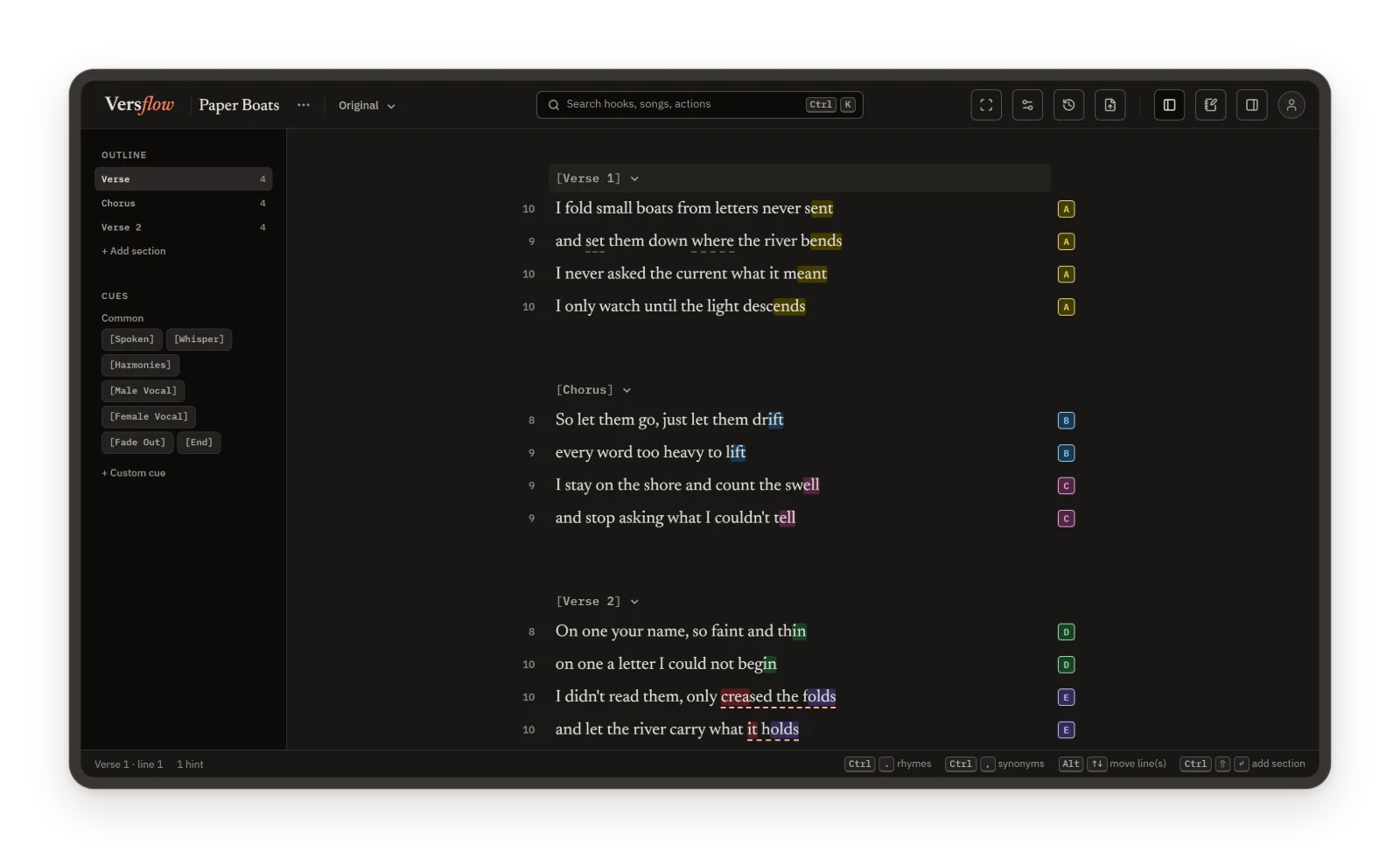
Rhymes you can see. Syllables counted, rhymes in colour – as you write. 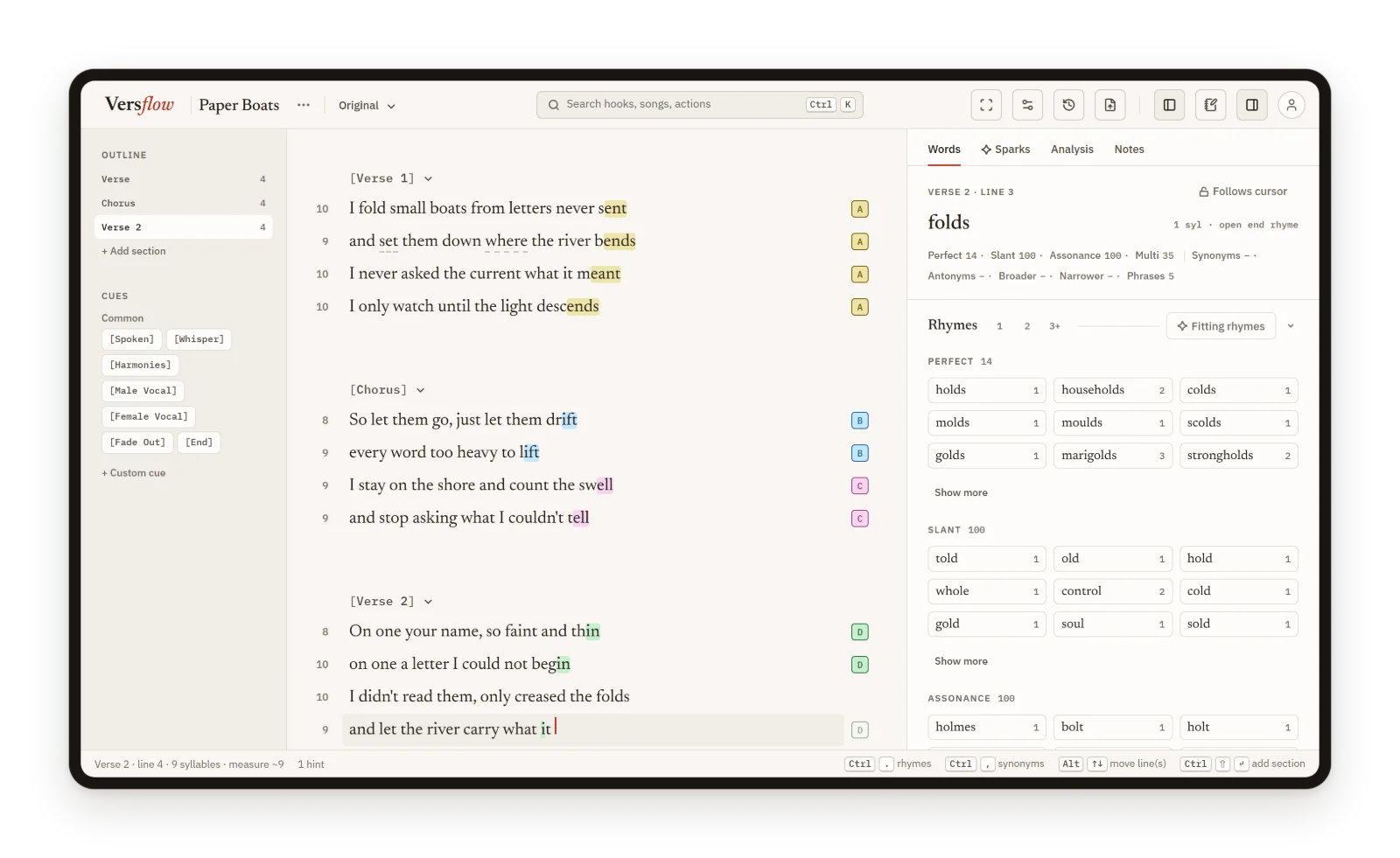
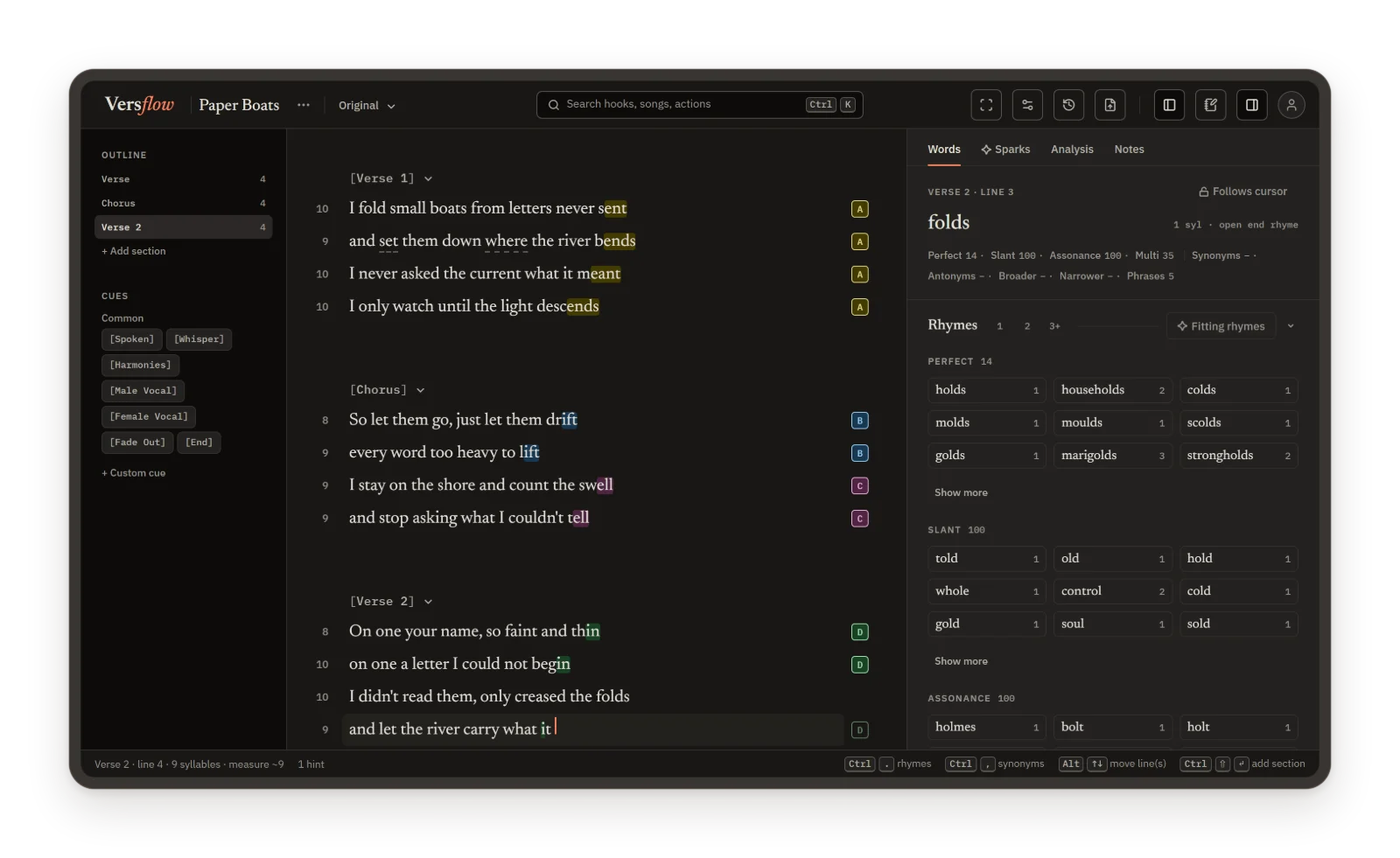
A rhyme for every word. Perfect, near, multisyllabic – with syllable counts. 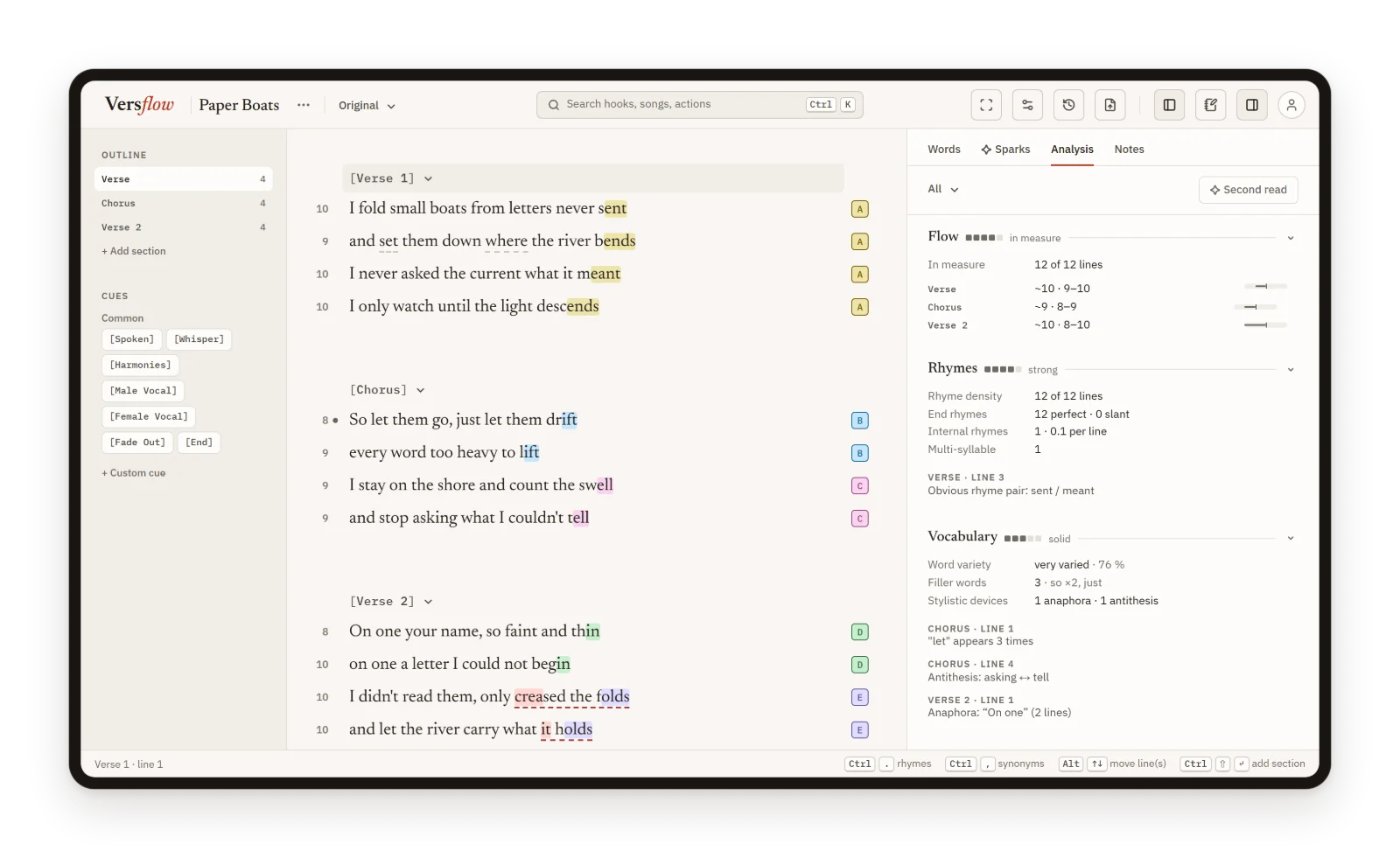
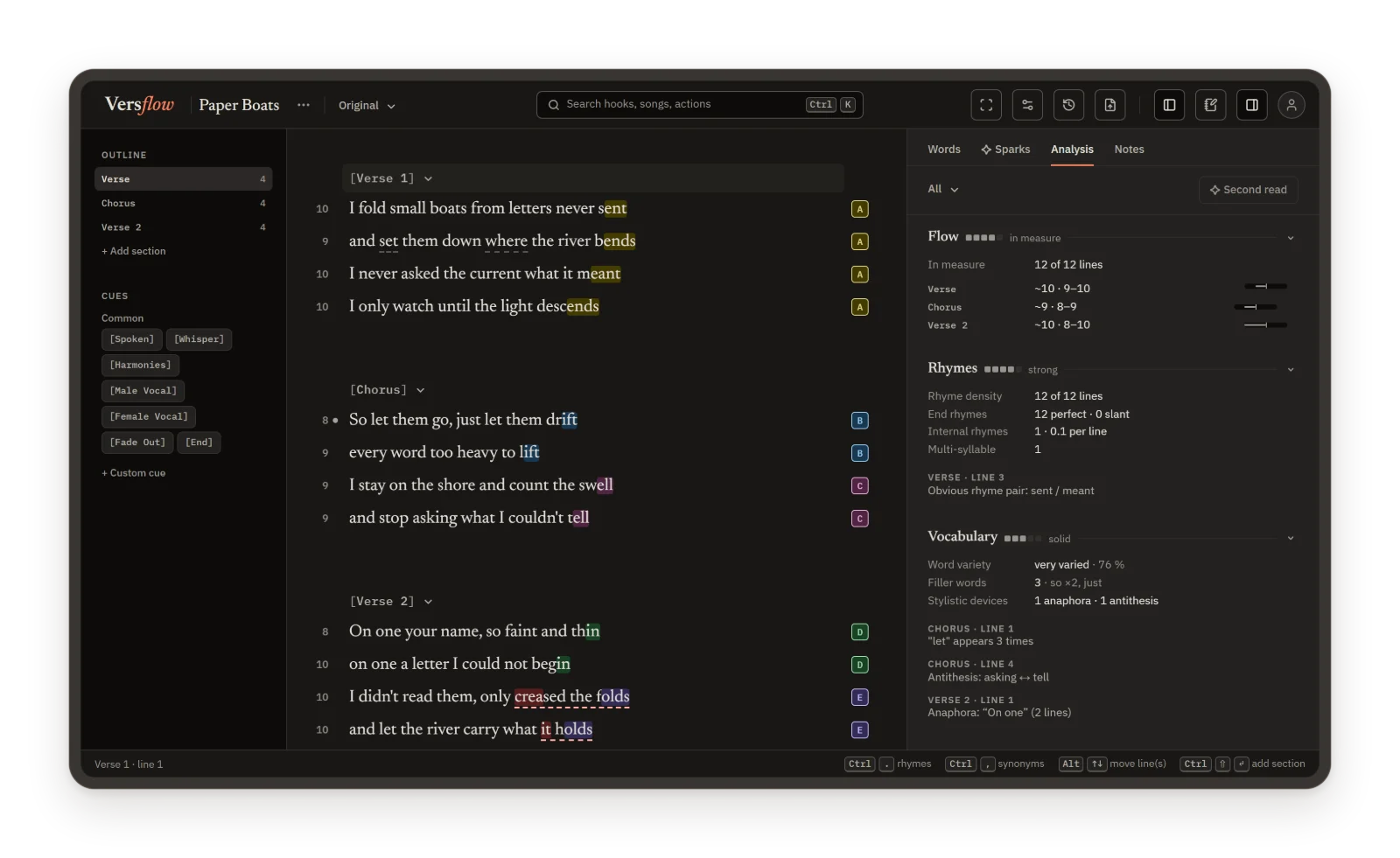
Your song at a glance. Syllables, rhymes, vocabulary – and what repeats. 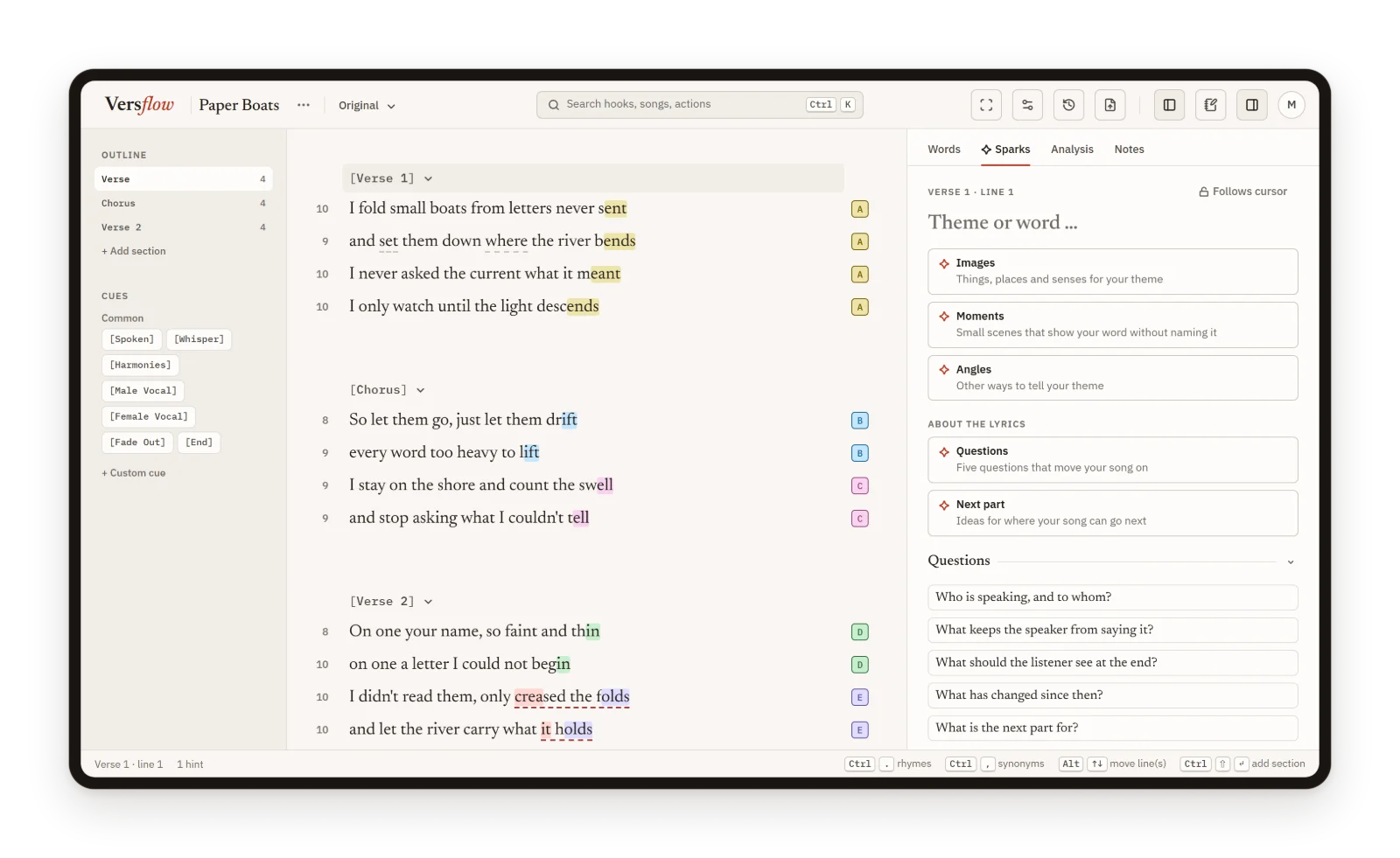
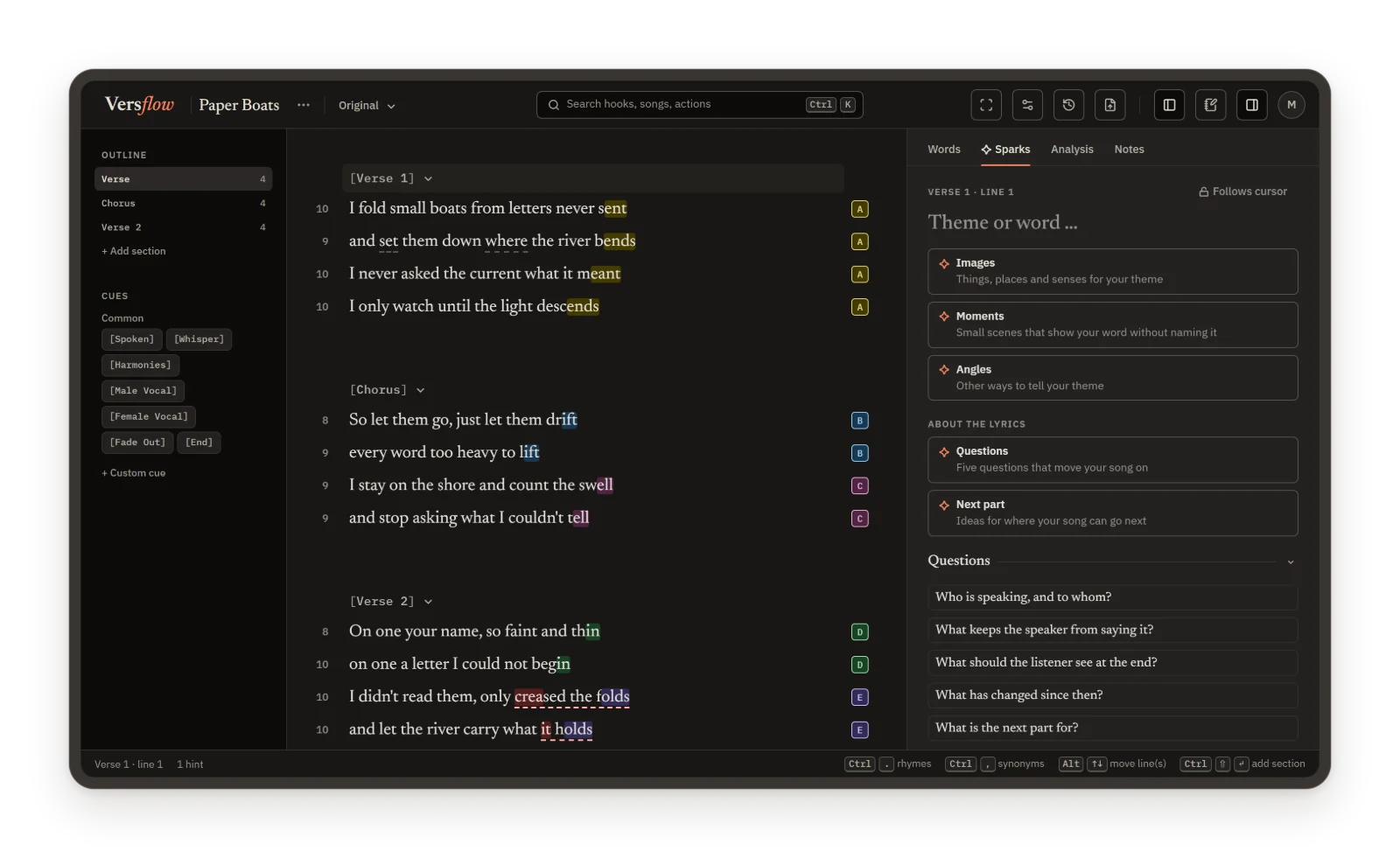
The AI asks. You write. Questions and ideas – your lines stay yours. 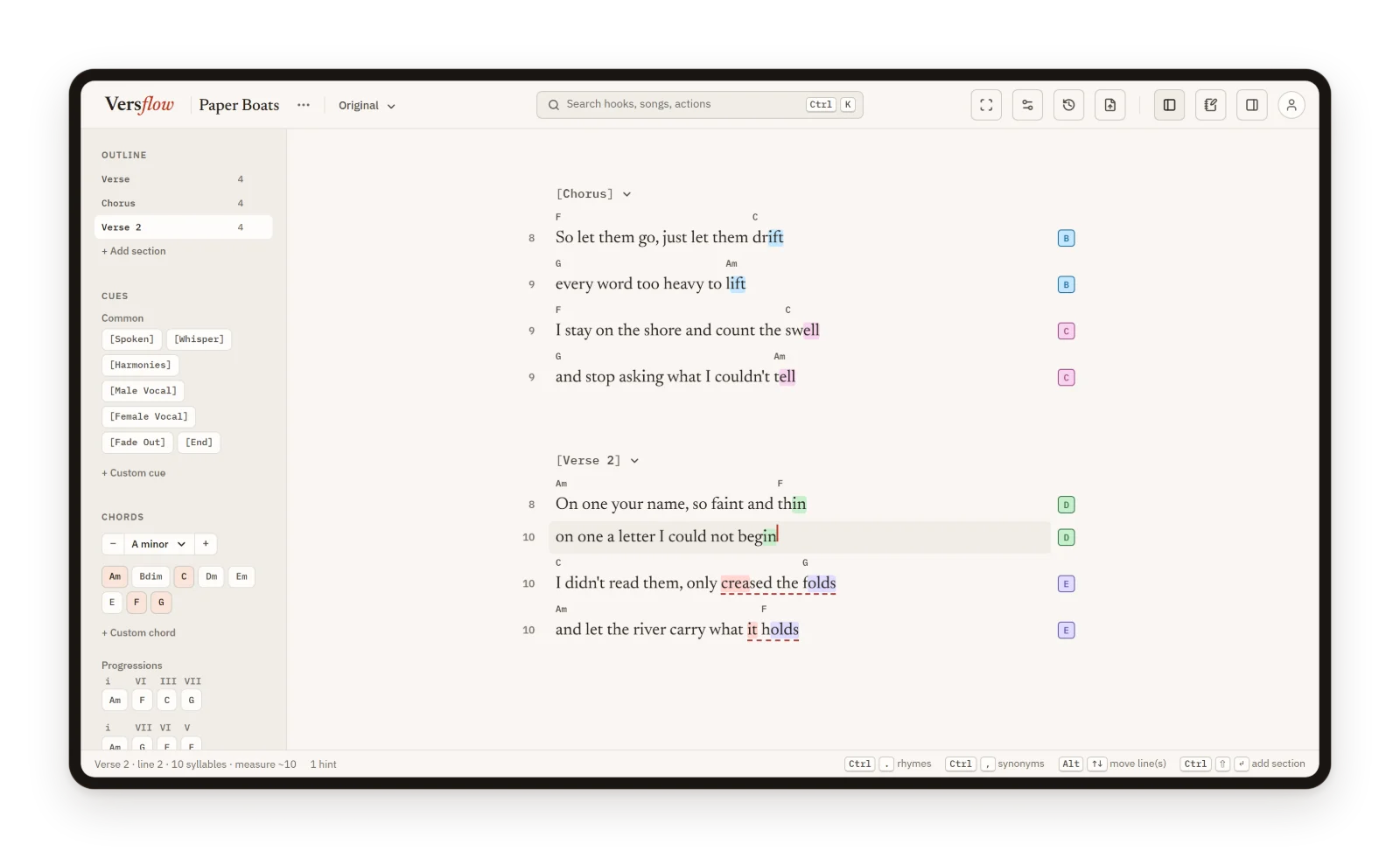
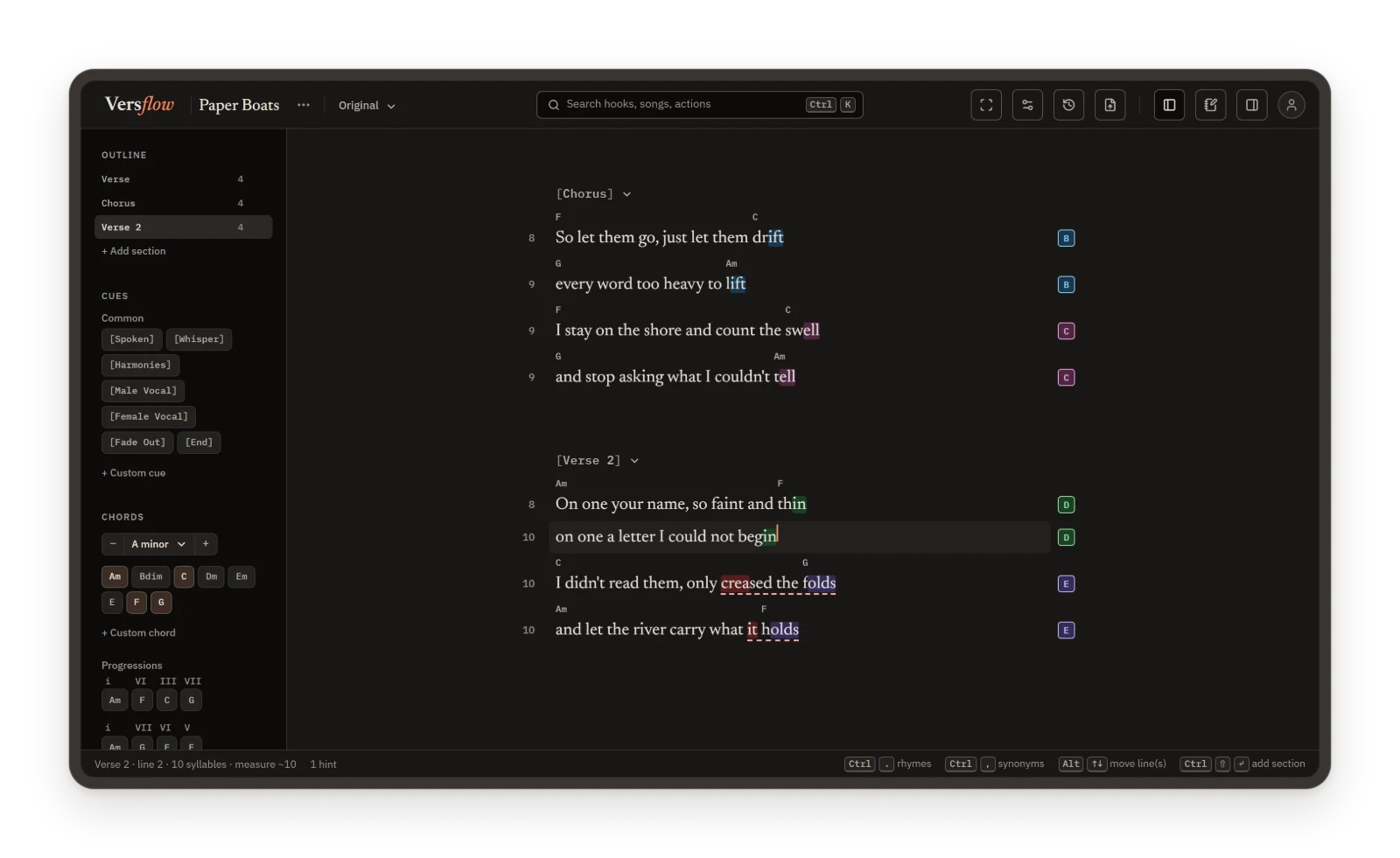
Chords above your lyrics. Set right on the word where the change comes. 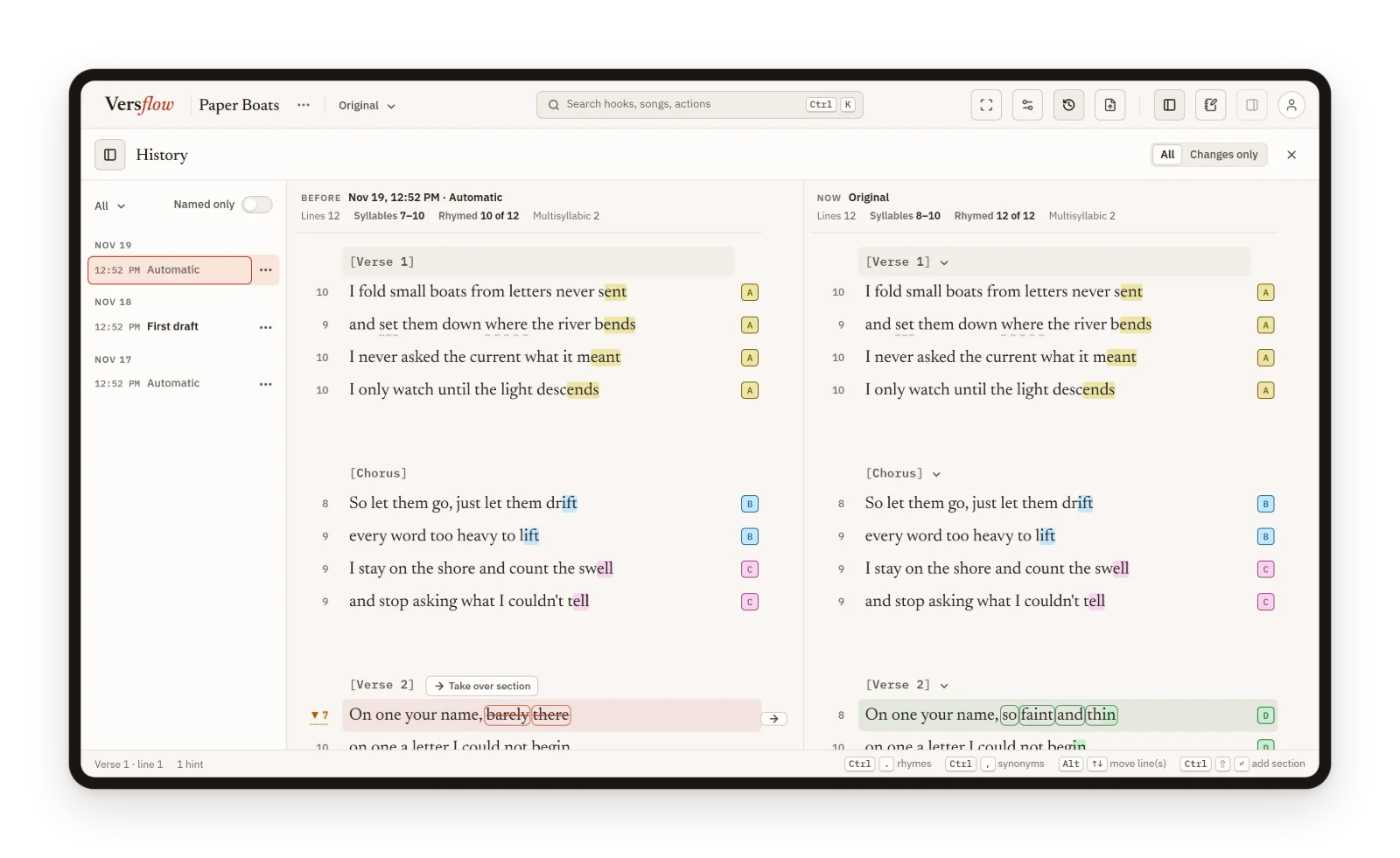
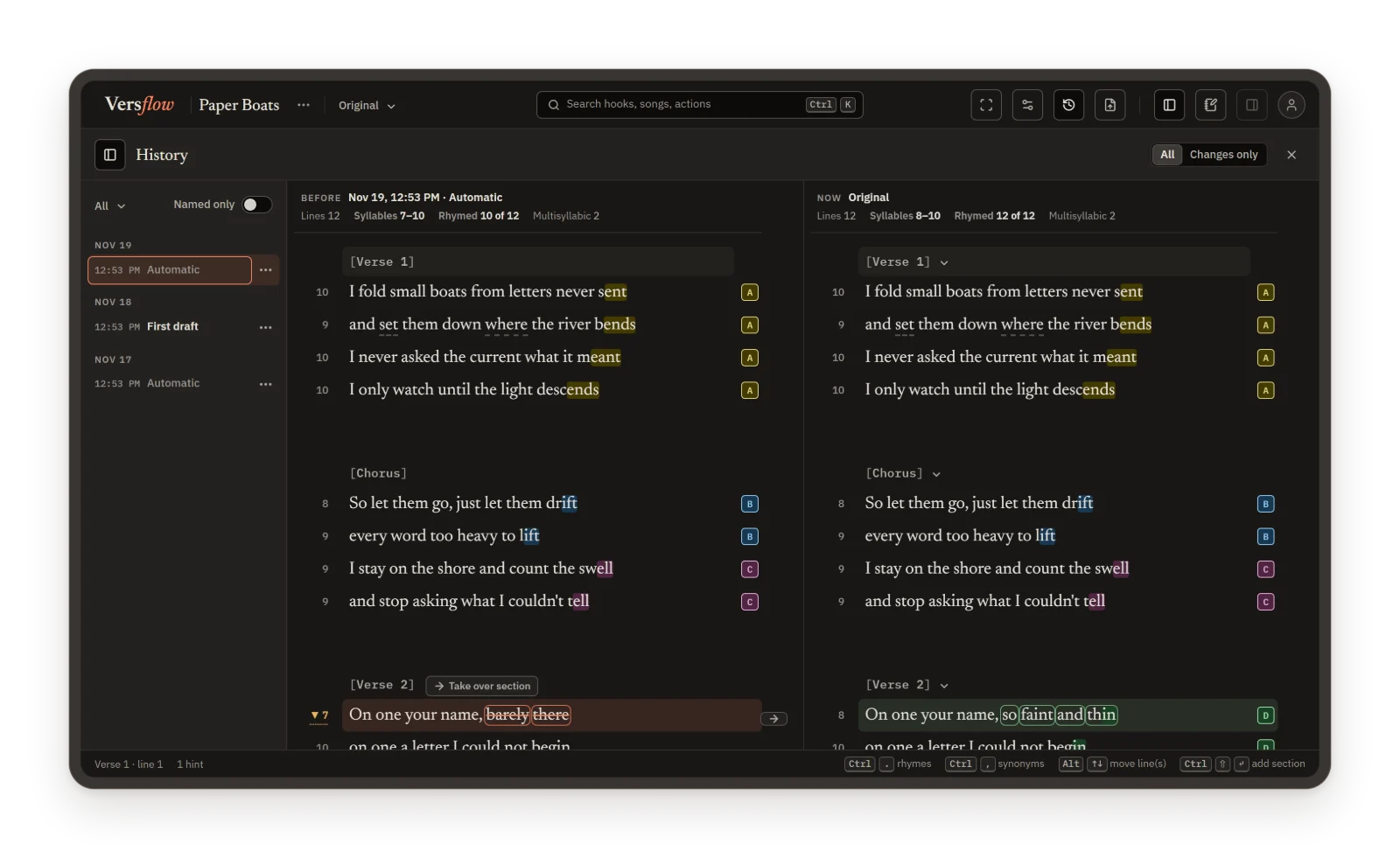
Every draft is kept. Compare old and new versions line by line. 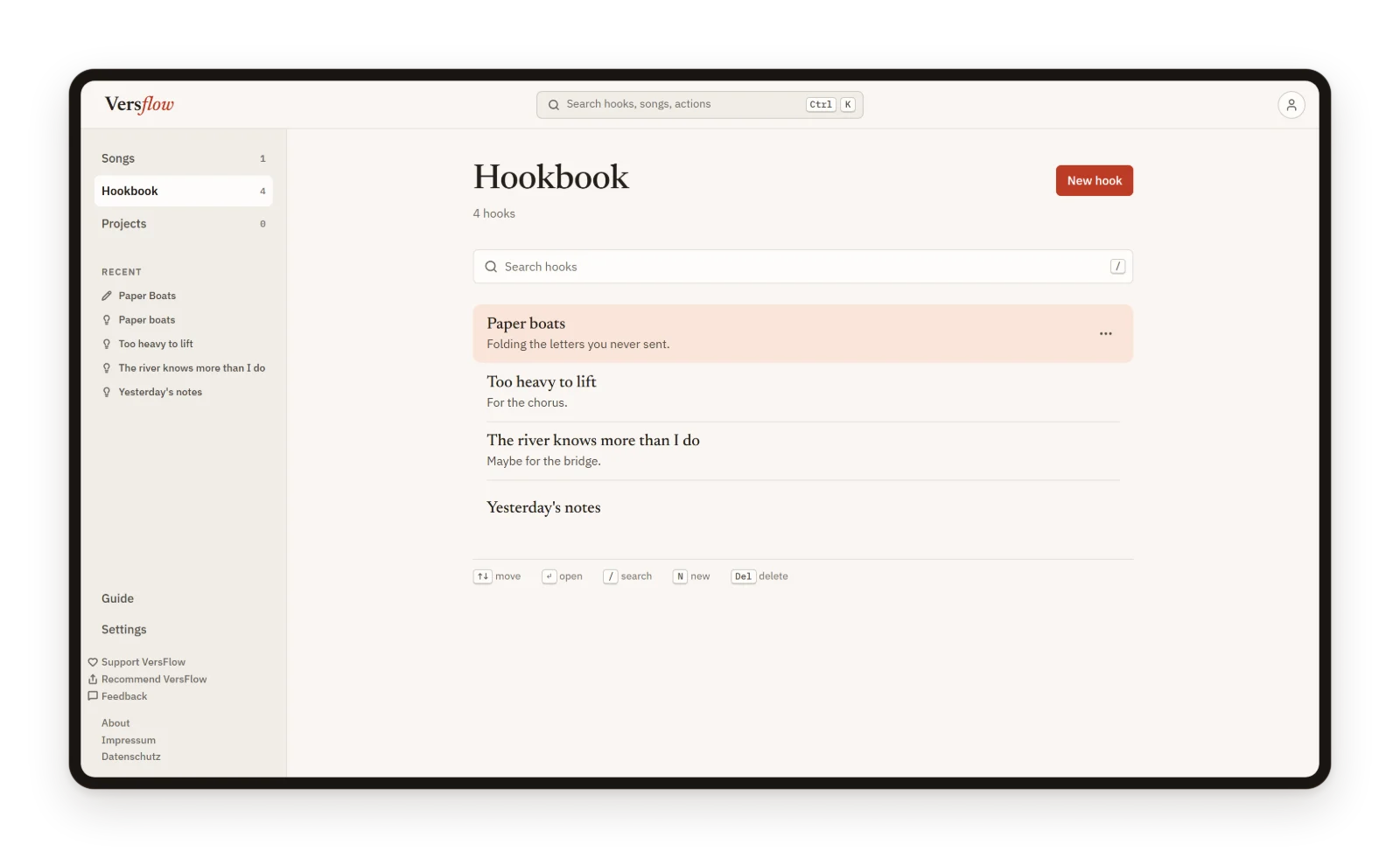
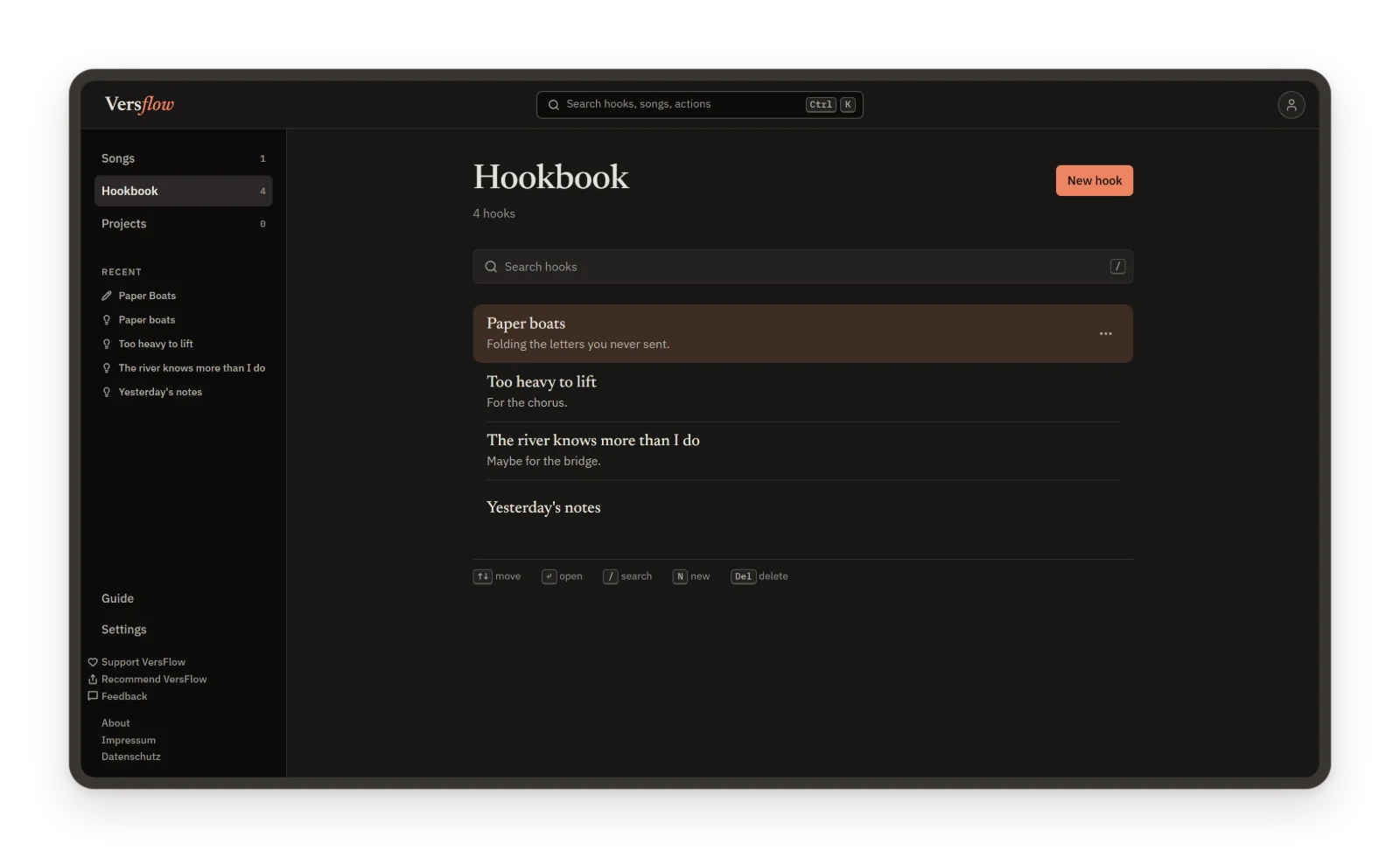
Catch ideas before they’re gone. Collect hooks and turn them into songs – offline too. 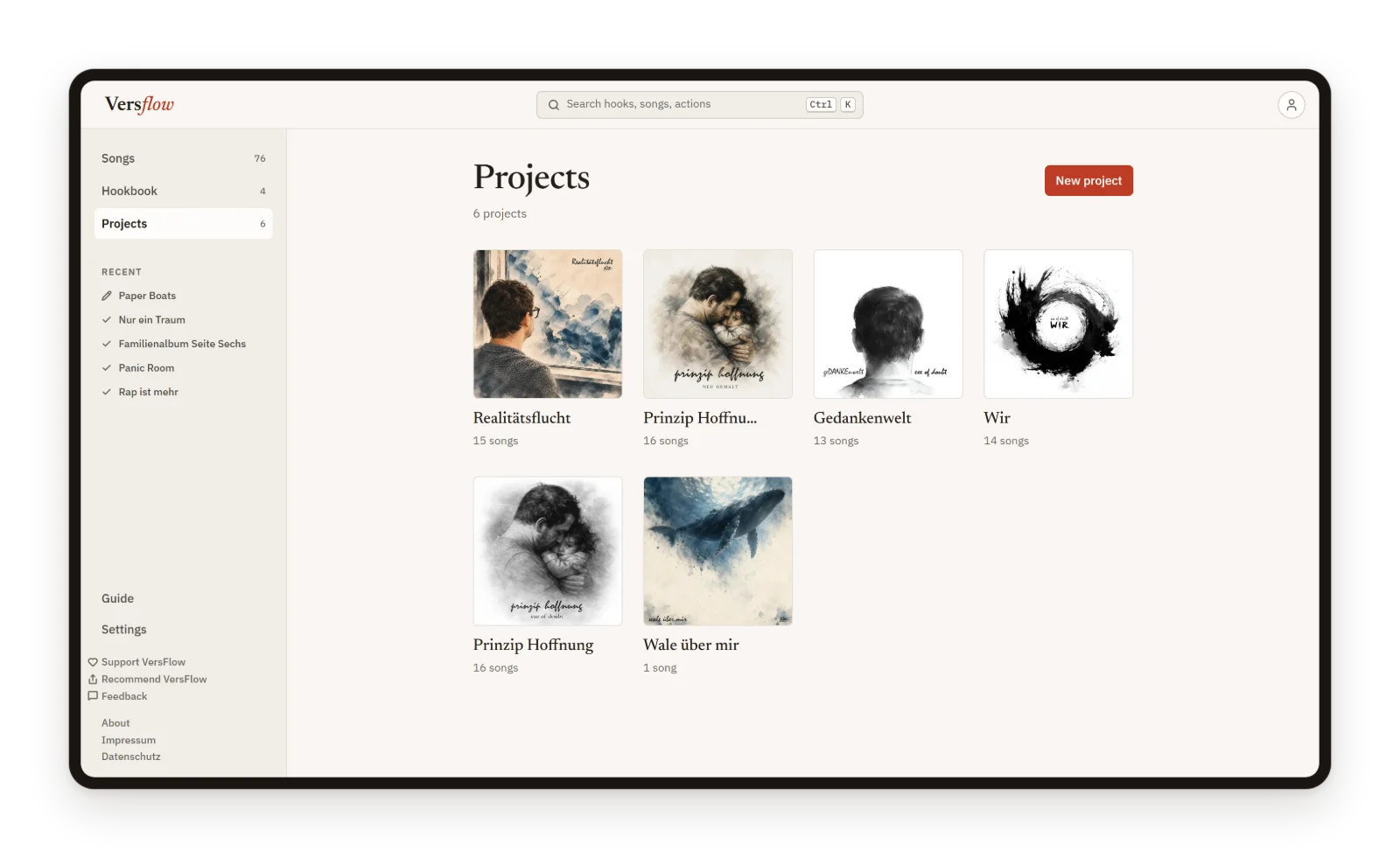
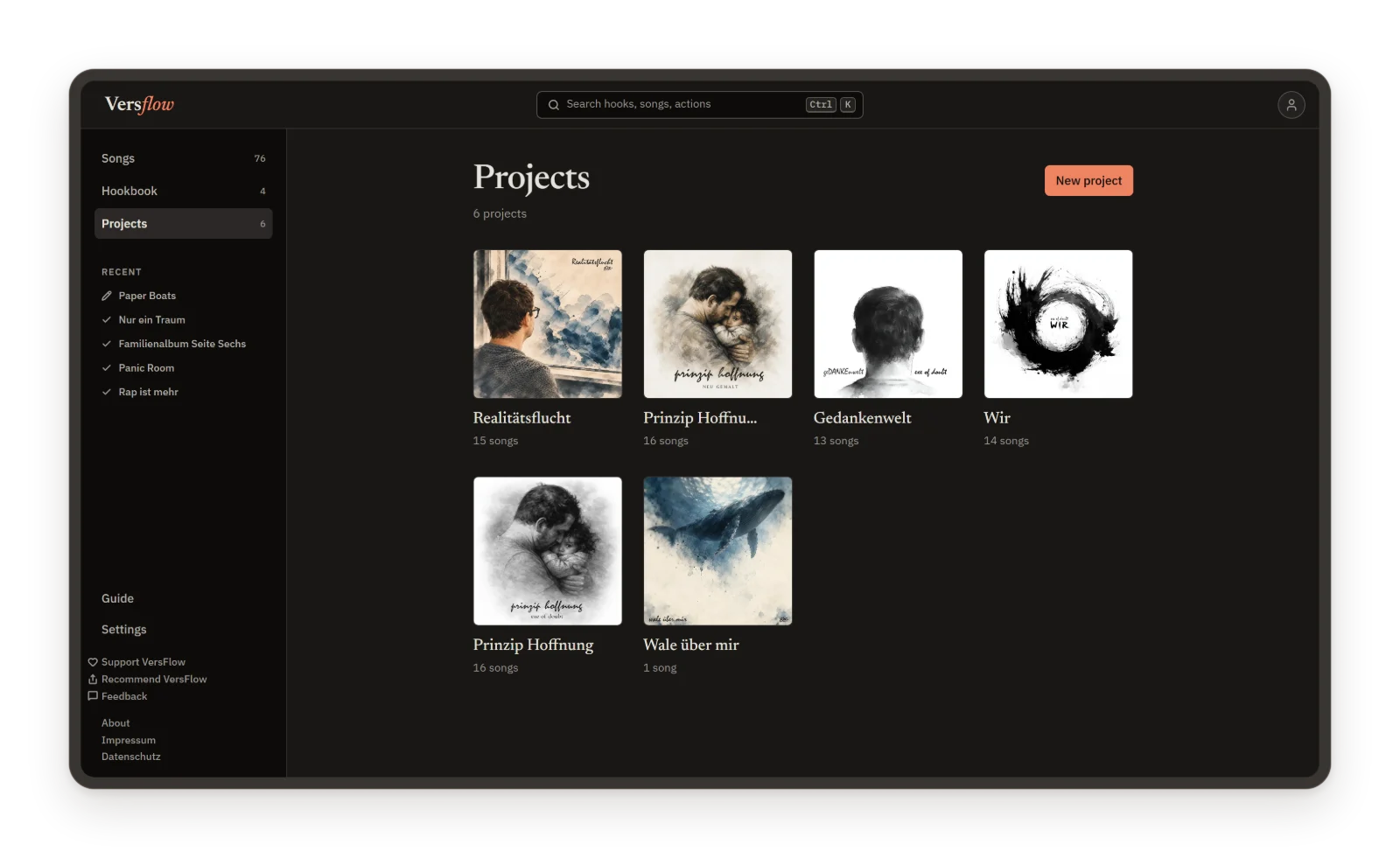
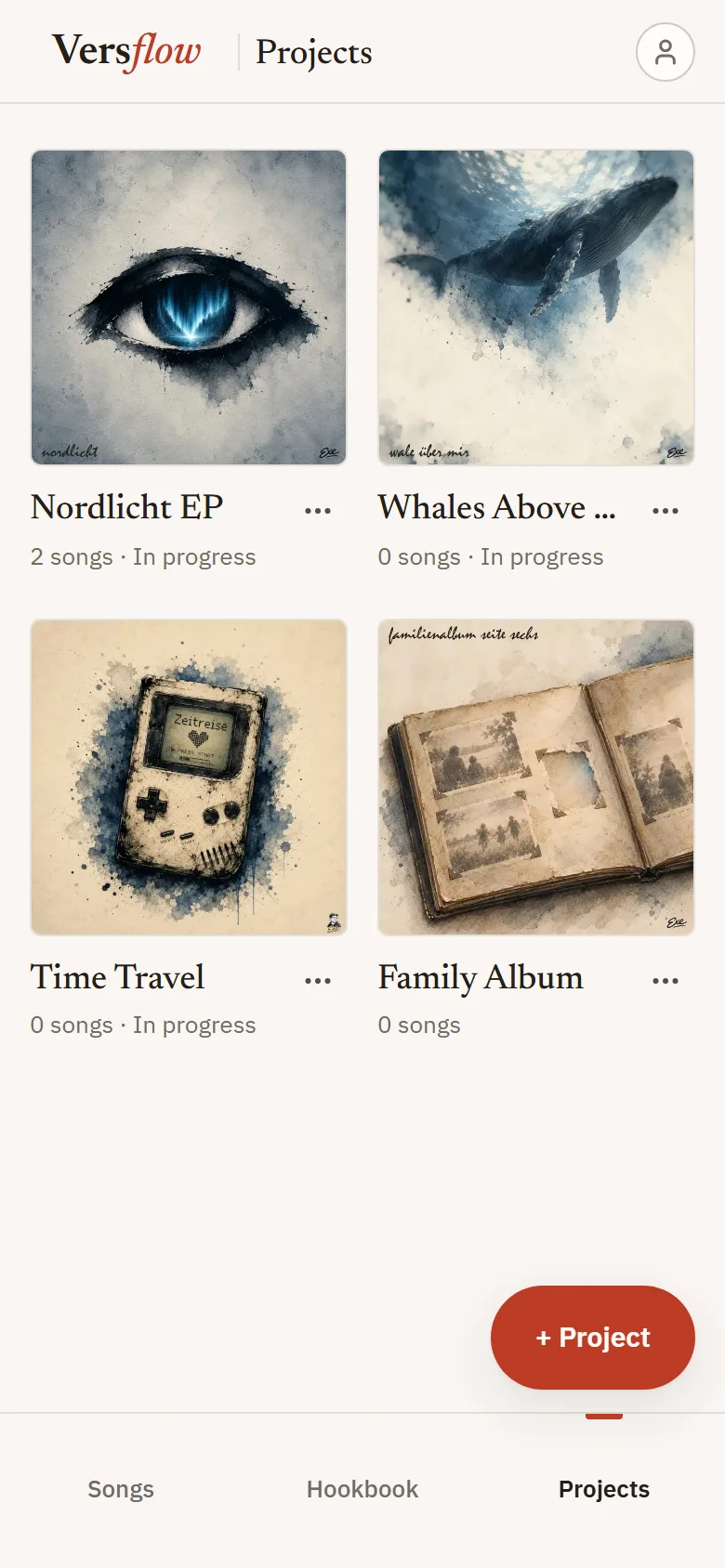
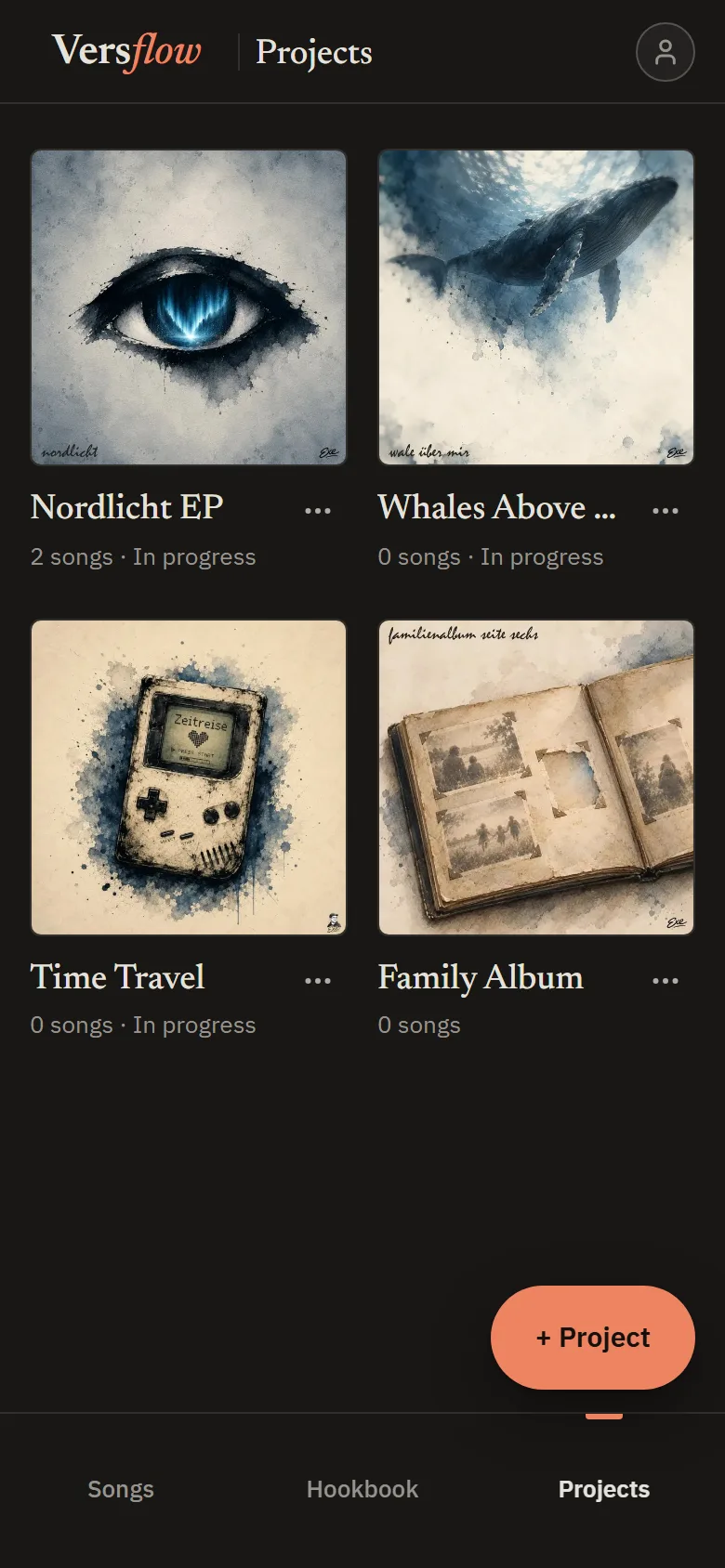
Turn songs into an album. With cover art and a tracklist. 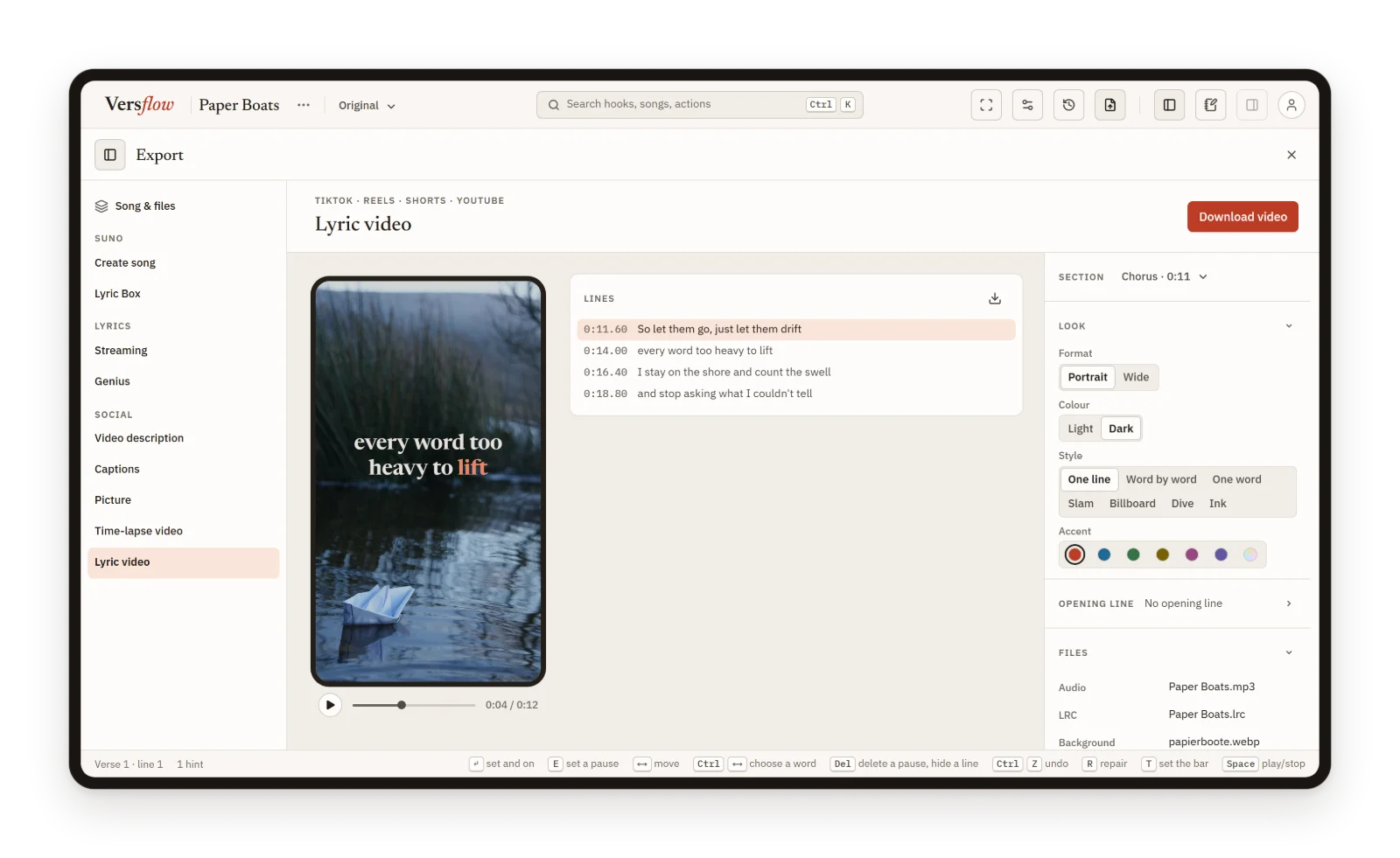
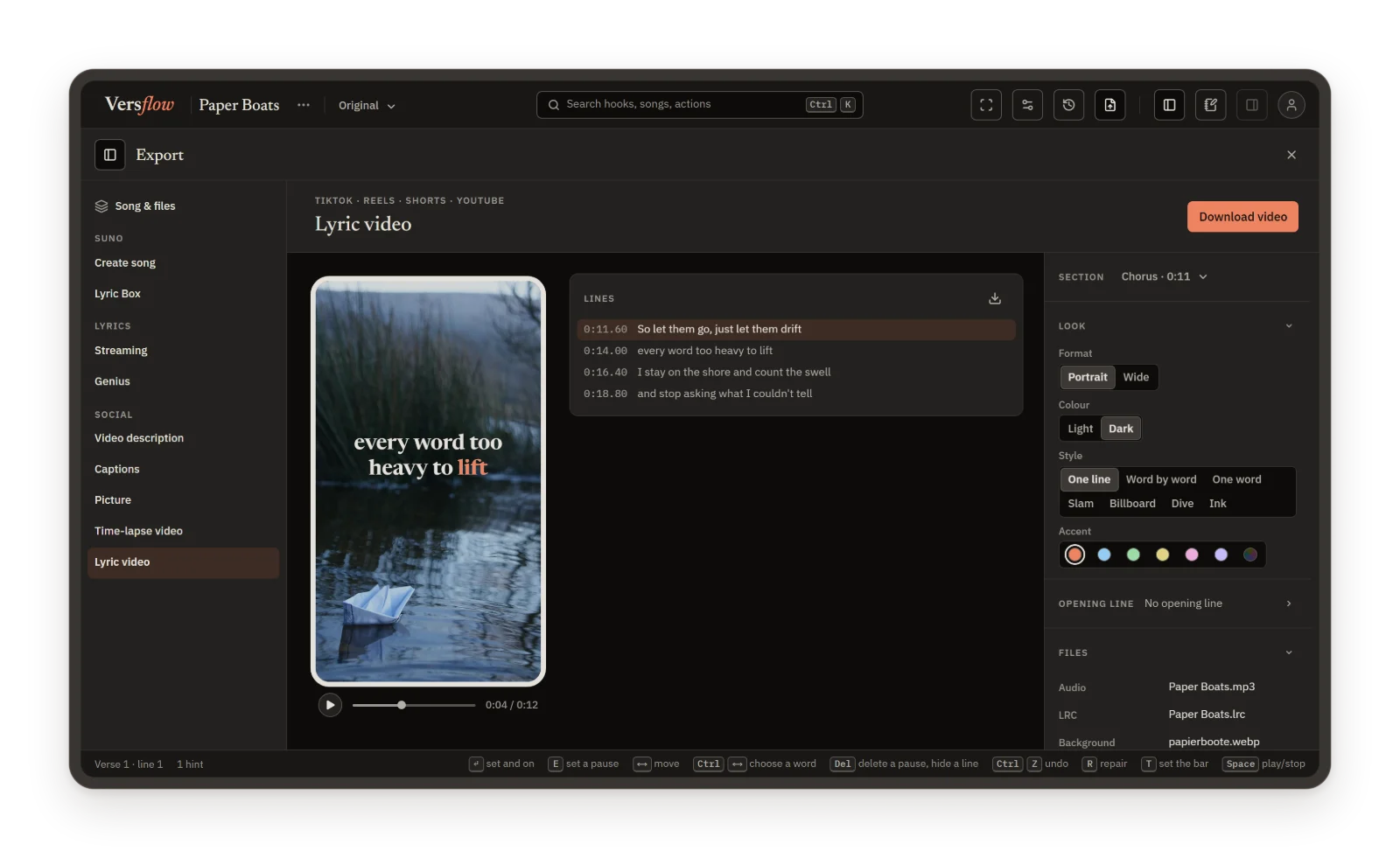
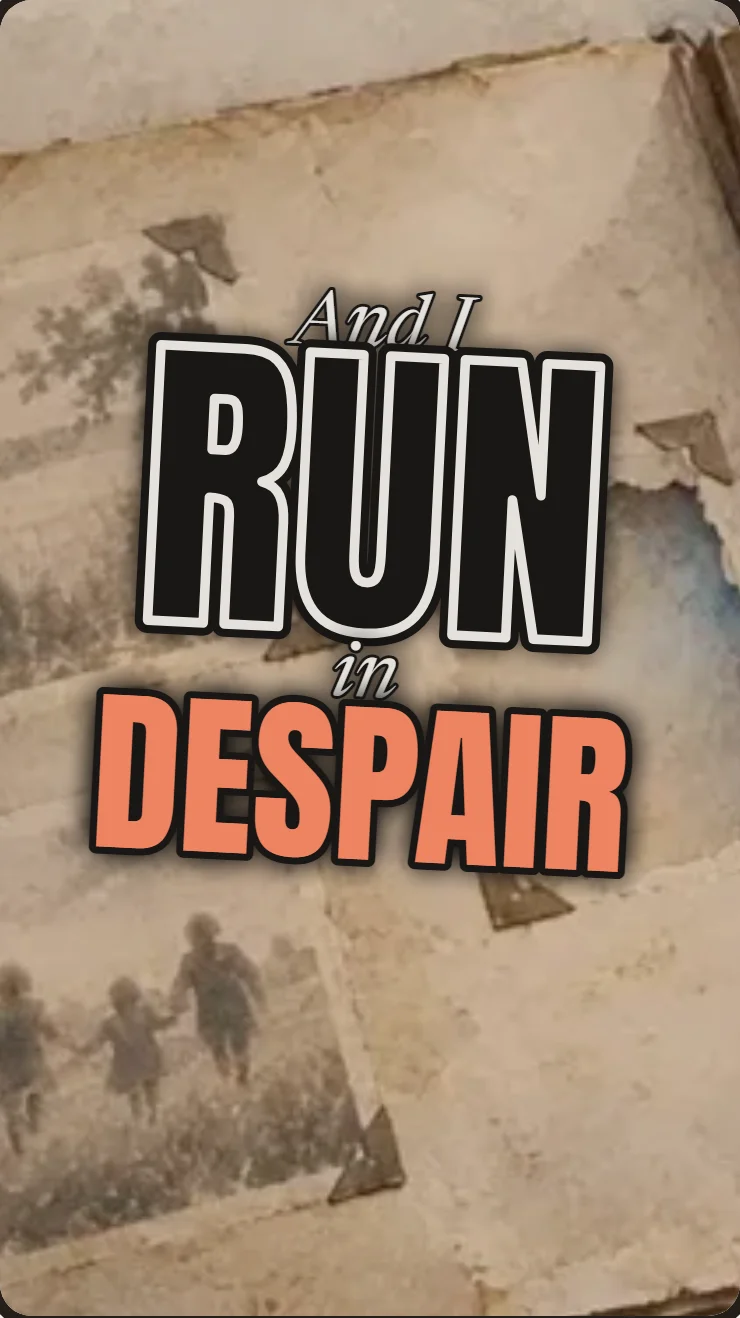
Your song as a lyric video. Your recording, your cover – the lines follow along.
How it works
From a spark to a finished song.
-
Catch the hook
A line in your head on the train, or a melody? Put it in the hookbook in seconds – as text with tags, or as a voice note. In the song, the melody then sits at the line it belongs to.
-
Write with help at hand
Start a song from the hook. Rhymes, syllables and synonyms are there when you ask – and when you are stuck, images and questions from the AI. You choose, or keep writing. In focus mode only the paragraph you're writing stays in full colour – everything else steps back.
-
Check, export, make music
The analysis and a second read show you what still snags. Then copy your lyrics with or without section tags – for the studio, a co-writer or Suno – and gather your songs into albums, EPs or poetry collections.
Analysis
A second look before the song goes out.
The analysis reads your song as a whole: flow, rhymes, vocabulary, structure and language. For each it says in a word where your song stands. It spots stylistic devices and the words you hear in lyrics all the time. Click a hint and you're at the line. With a second read the AI reads along: metaphors, worn images, grammar. What you make of it is up to you.
Write together
One link, and you're writing as two.
For anyone who doesn't just want to make songs together, but to write the lyrics together: invite someone by email, or send one person a link that works exactly once. Then they read along, or write with you at the same time: you see where they're writing, and their words appear as they type. When a line catches their eye, they comment right on it, and you answer. It helps on your own too: a note right where it belongs.
Read, comment or write along live · By email or link · With a free account
AI, when you want it
The AI thinks with you.
You write the song.
Sometimes it isn't the rhyme that is missing but the image, the word or a view from outside. That is when you bring in the AI as a sparring partner: it hands you material and asks questions. What goes into your song is up to you.
-
You are missing the image
Images for your theme, and moments that show a feeling instead of naming it.
-
You are missing the direction
New angles on your theme, questions about your song and ideas for the next part.
-
You are missing the word
Describe what you mean and the AI looks for words. And rhymes that also fit the meaning.
-
You are done
The AI gives your song a second read and shows what stands out. Plus suggestions for Styles, the caption, the video description and the text for your Reels and Shorts.
With your AI app
Connect VersFlow to Claude or ChatGPT. Your AI app then knows your songs, counts syllables with VersFlow's analysis and puts finished lyrics straight into the song. The previous version stays in the history; nothing is ever deleted. How to connect it
For piano and guitar
Lyrics and chords on one sheet.
Writing at the piano or on guitar? Then the chords belong above the words, right at the syllable they fall on. VersFlow names the key and plays back how it sounds. Don't need chords? Just leave them switched off.
Transpose · Progressions for the key · Print as a lead sheet
On your phone
The best line shows up on the go.
Rarely at your desk, often on the train or just before you fall asleep. On your phone you catch it in seconds, read your song back with its rhyme colours and syllables, and look through your projects. With an account, every device is up to date.
Install it as an app · Works offline · In sync with an account
After the song
Your hook becomes a clip.
Drop in the MP3 and the LRC, and you get a video, upright for Reels or wide for YouTube, with your lyrics following along, word by word. As a poster, on a wall, diving through a letter or written by hand, on your song's beat, over your cover or your music video. It all stays in your browser.
MP3 and LRC · Seven styles, four with motion · Nothing is uploaded

Why VersFlow
Your song. Your words.
VersFlow is a writing tool, not a ghostwriter. It makes you faster and sharper – the song is still yours.
How VersFlow compares with notes apps, rhyme dictionaries and AI →
- No generated lyrics – every line is yours
- Start without an account – in seconds
- With an account on all your devices and with others
- Your lyrics are never used to train AI
- Export everything, anytime
FAQ
Good to know.
-
Is VersFlow free?
Yes. VersFlow is free and runs in your browser, on your computer and your phone – no account, nothing to install. If you like, add it to your home screen like an app, and it works offline too.
-
Do I need an account?
No. You can start writing right away, and your songs stay on your device. You only need a free account once you write on more than one device or want to share a song with someone.
-
Can I bring the lyrics I already have?
Yes. Drag your files (.txt, .md or .docx) or a whole folder onto the song list: each file becomes a song, and a document holding many songs is split at its headings. You see the list first and decide what comes in.
-
Can I get all my lyrics out again?
Yes. Ctrl K → “Export backup file” gives you all songs and hooks in one file. Each song also exports on its own as text, with or without tags. Your lyrics are yours.
-
Can I write a song together with others?
Yes. With an account you share a song, to read or to write along, by email or with a link. Writing along, you're both in the song at once and each of you sees where the other is typing. Everything else stays yours: your other songs and your hookbook.
-
Does VersFlow write lyrics with AI?
No. VersFlow never writes a line for you. With an account an AI helps you think, if you like: it hands you images and words, asks questions and gives your song a second read, free with a monthly allowance. Your lyrics are sent only when you start one of these actions.
-
Is VersFlow good for rap?
Yes. Rap lives on internal and multisyllabic rhymes, and VersFlow finds and colours both, in English and German. The syllable count per line shows you where a line falls out of the flow.
-
Can I use VersFlow with the keyboard?
Yes. Every action is a search away with Ctrl K, and the common ones have a shortcut of their own – Ctrl and full stop for rhymes, for example. The shortcuts live in the tooltips, so the screen stays calm.
Your next song starts with one line.
Start writing – it's freeVersFlow is free. If it helps you write, you can support me on Ko-fi.