Account
VersFlow doesn't need an account. You can start writing right away, everything works, and your songs are stored in the browser on your device. An account is an offer for three things that can't work without a server. Nothing more.
What an account gives you
- Your songs on all your devices: start on your PC, carry on on your phone. Songs, hooks, variants, named versions and voice notes are synced.
- Sharing songs: invite someone to a song, to read or to write along. More in Writing together.
- The AI: images, questions, a second read and suggestions, with a monthly allowance. More in AI as a sparring partner.
And on the side: your songs no longer live in one browser only. Without an account, keep a backup file now and then (Ctrl + K → "Export backup file").
Signing in
- Click the account icon at the top right, then Sign in.
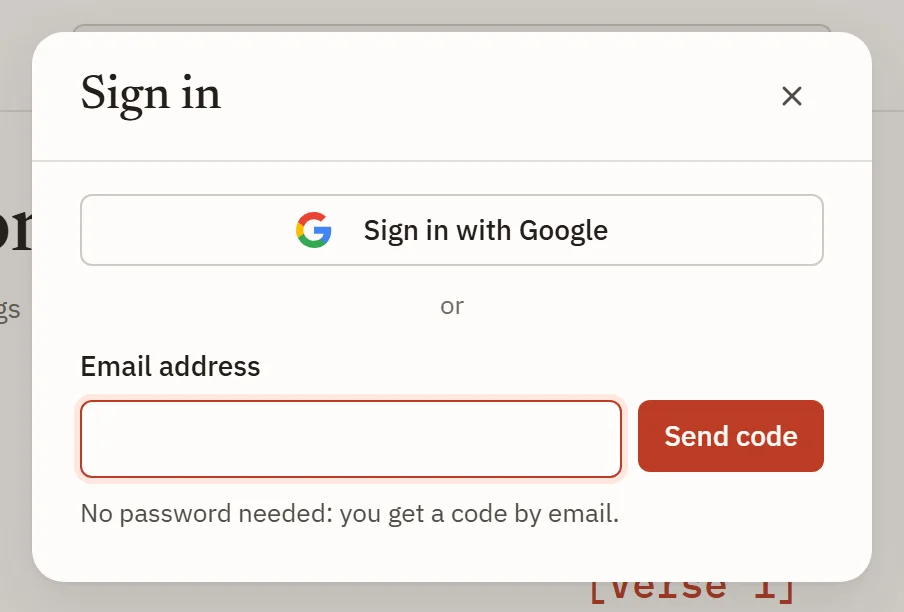
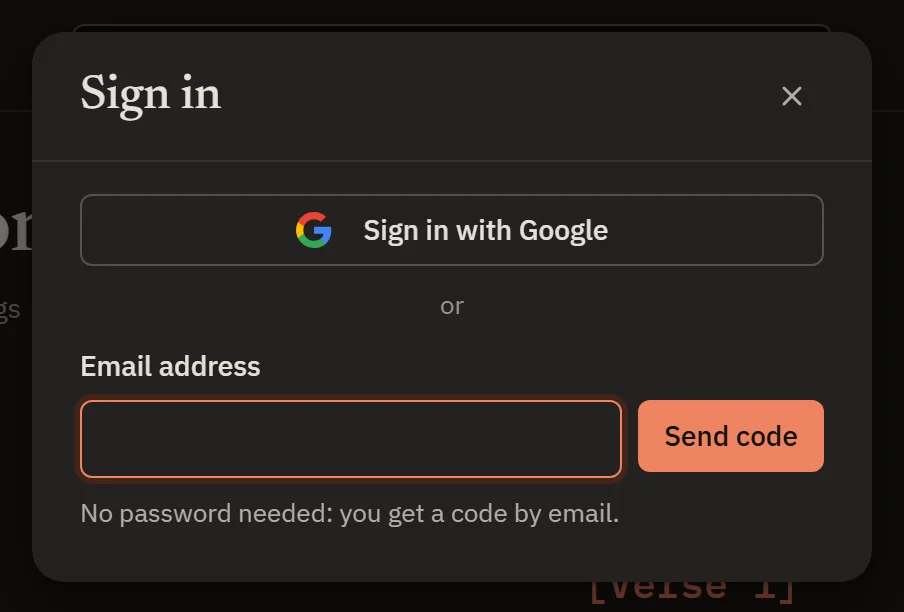
- Enter your email address. You get a code by email – there's no password. Or sign in with Google.
- Enter the code. If there are songs on your device already, VersFlow asks whether they should go into your account: Upload.
Sign in on a second device that has songs of its own, and VersFlow joins both libraries. Nothing is overwritten.
Optional, and gone whenever you like
- You can sign out at any time. Your songs stay in your account and are back when you sign in again.
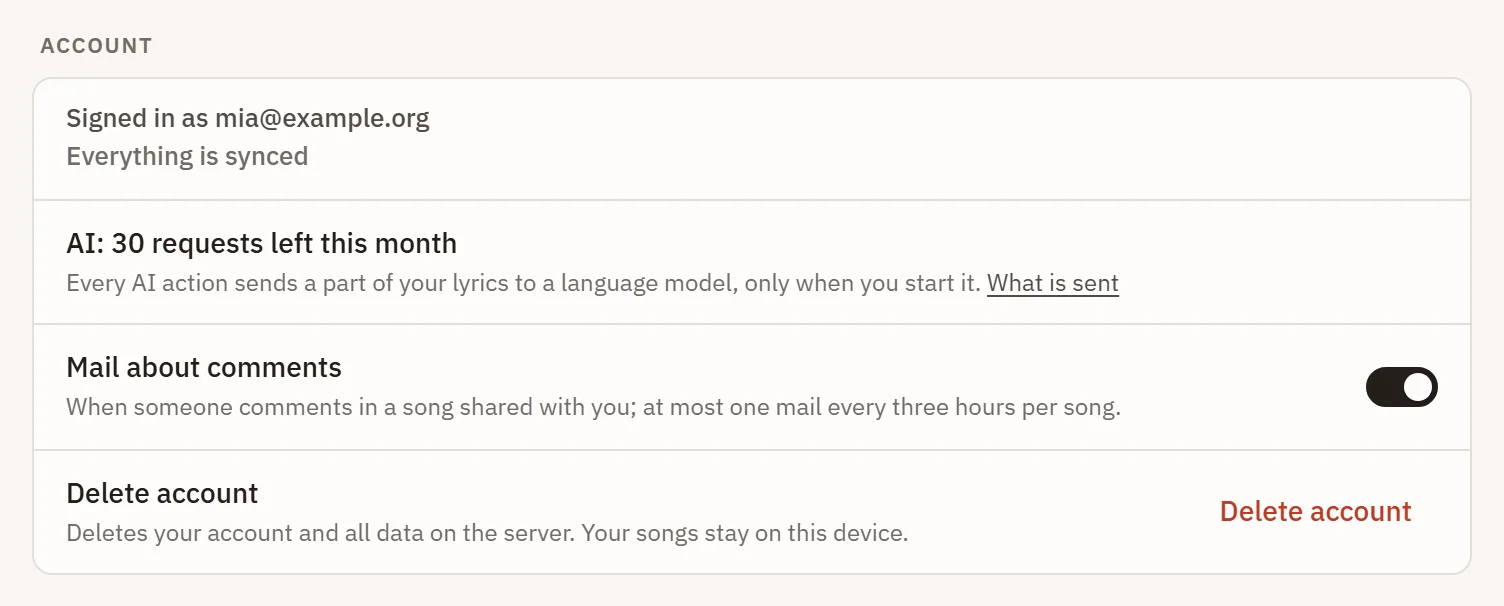
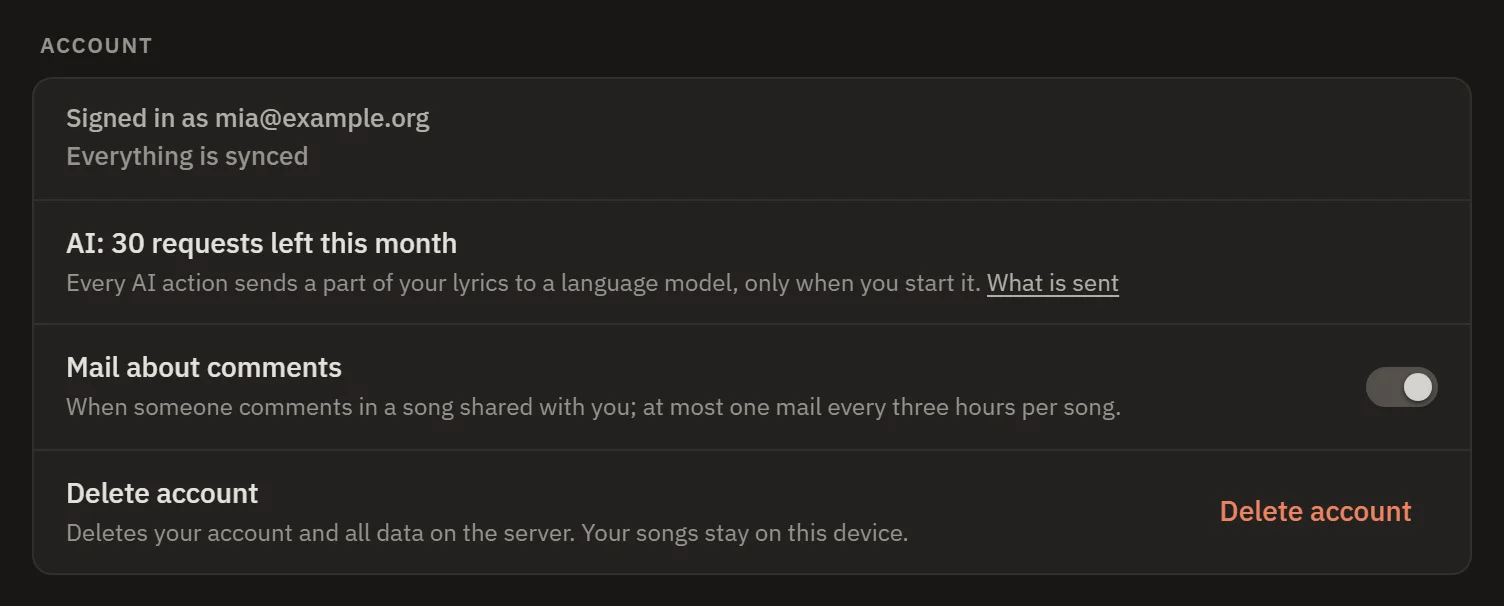
- Delete account in Settings under Account removes your account and all data on the server. The songs on your device stay.
- Your lyrics are never used to train AI. What goes where is in the privacy policy.
Good to know
- Whether everything is synced shows in the account menu at the top right and in Settings. Offline you simply keep writing; once you're back online, VersFlow catches up.
- In Settings under Account you switch Mail about comments on or off: when someone comments in a shared song, VersFlow emails you, at most once every three hours per song.
- The account is free.