Chords
If the harmony is already in your head while you write, it belongs right above the line, on the syllable where the change comes. You see whether a line sits on its chords, and whoever plays the song doesn't need a second sheet.
How it works
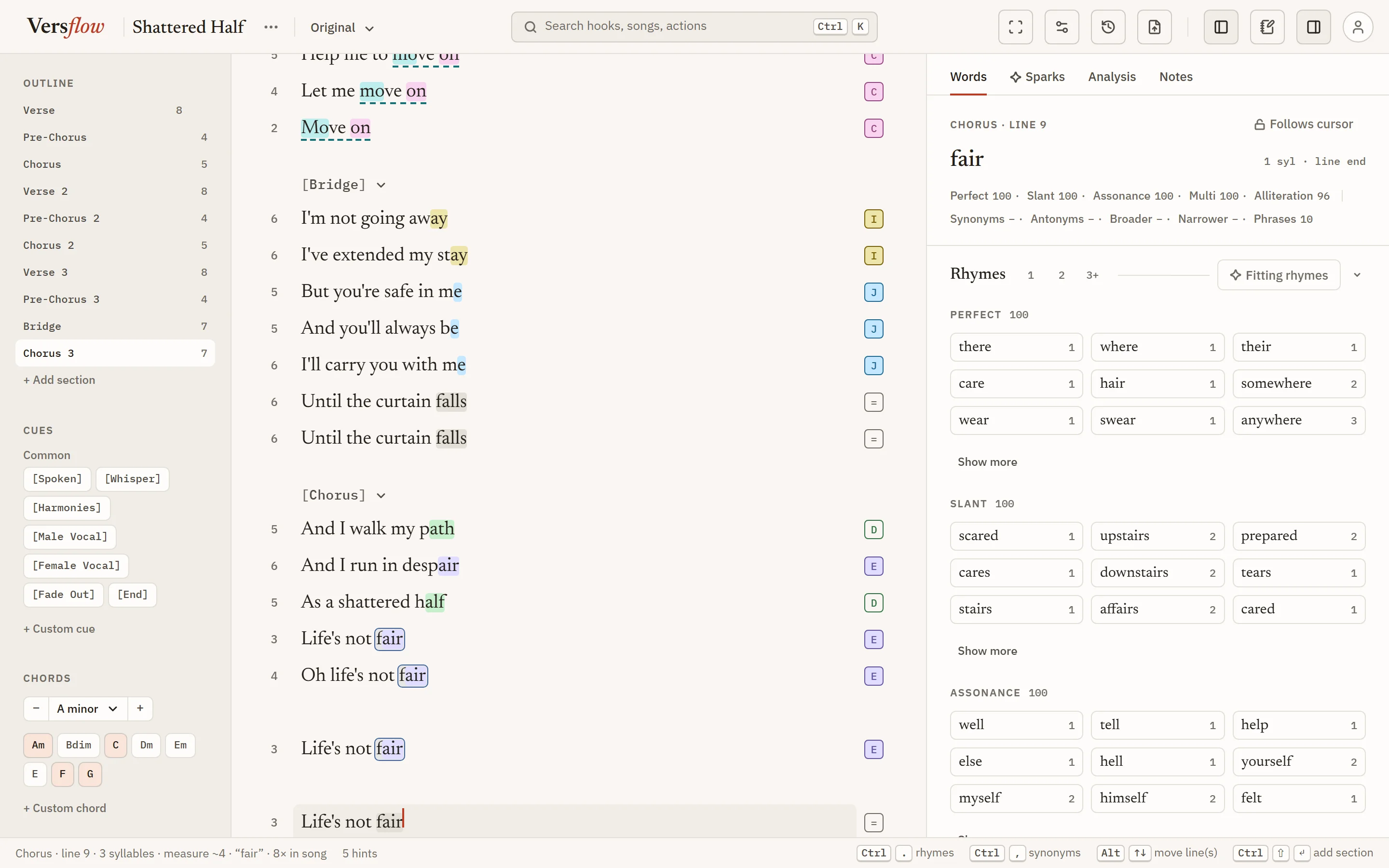
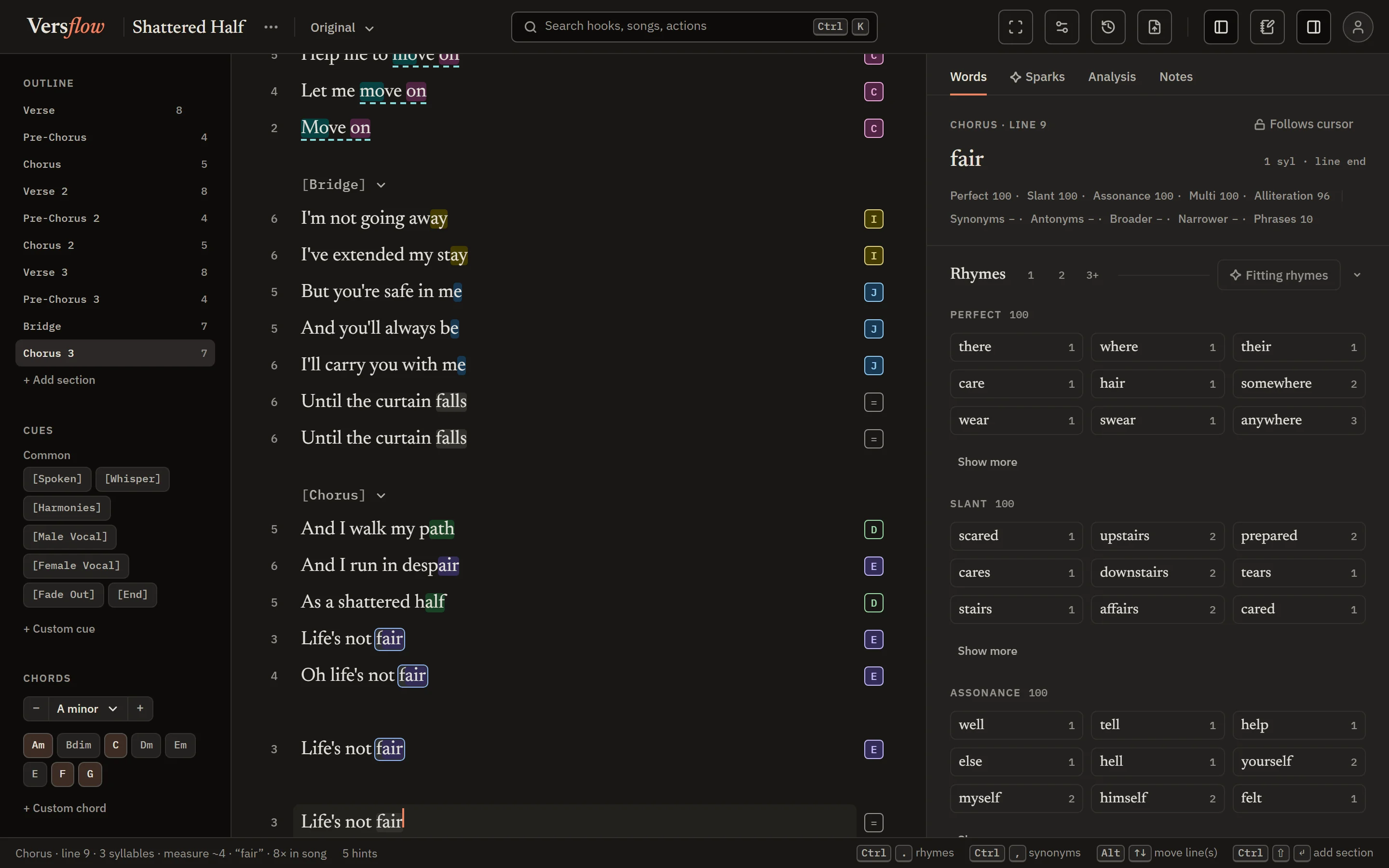
- Under View, switch on Chords. Chords only appear once you want them.
- Put the caret on a word and press Ctrl + Alt + K. Type the chord, for example
Am. - Tab moves on to the next word; ↵ sets the chord and closes the field.
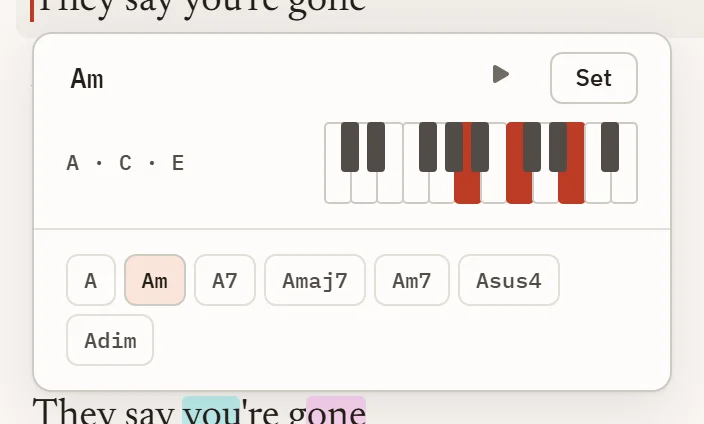
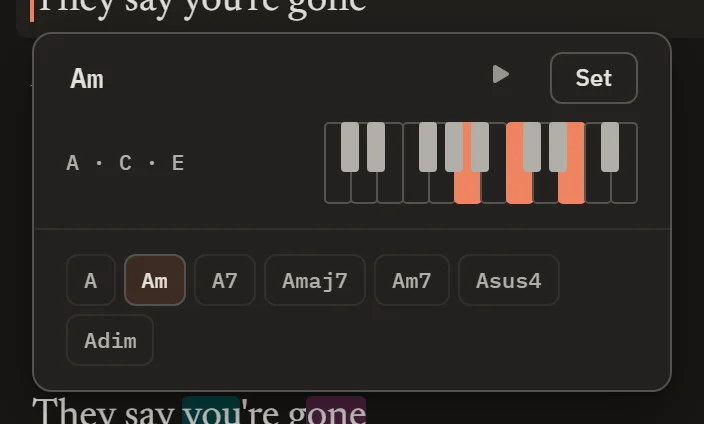
The field shows the chord's notes on a keyboard and related chords to choose from. ▶ plays it.
The key and the chords that fit
On the left, in the outline, Chords shows your song's key. VersFlow works it out from the chords you've set, or you choose it yourself. Below are the chords of the key – the ones already in the song are highlighted – and under Progressions the ones often played in that key. A click puts a chord at the caret, or drag it to where it belongs.
Good to know
- − and + next to the key transpose every chord by a semitone.
- Chords stay above their syllable when you change the line.
- On a phone, tap Chord at the bottom. The field stays open until you close it with ×: Set places the chord, and tapping another word takes the field there.
- Play back chords, progressions and whole sections with a piano sound. VersFlow loads the sound once, which needs a moment online.
- Print the song (Ctrl + K → "Print song") and you get a lead sheet with the chords above the lyrics.