Notes
Not everything that comes to you for a song is for singing: what it's about, the story, a reference, a melody you hum. That's what the Notes tab in the side panel is for. Lines, words and parts that don't fit yet go into your sketches.
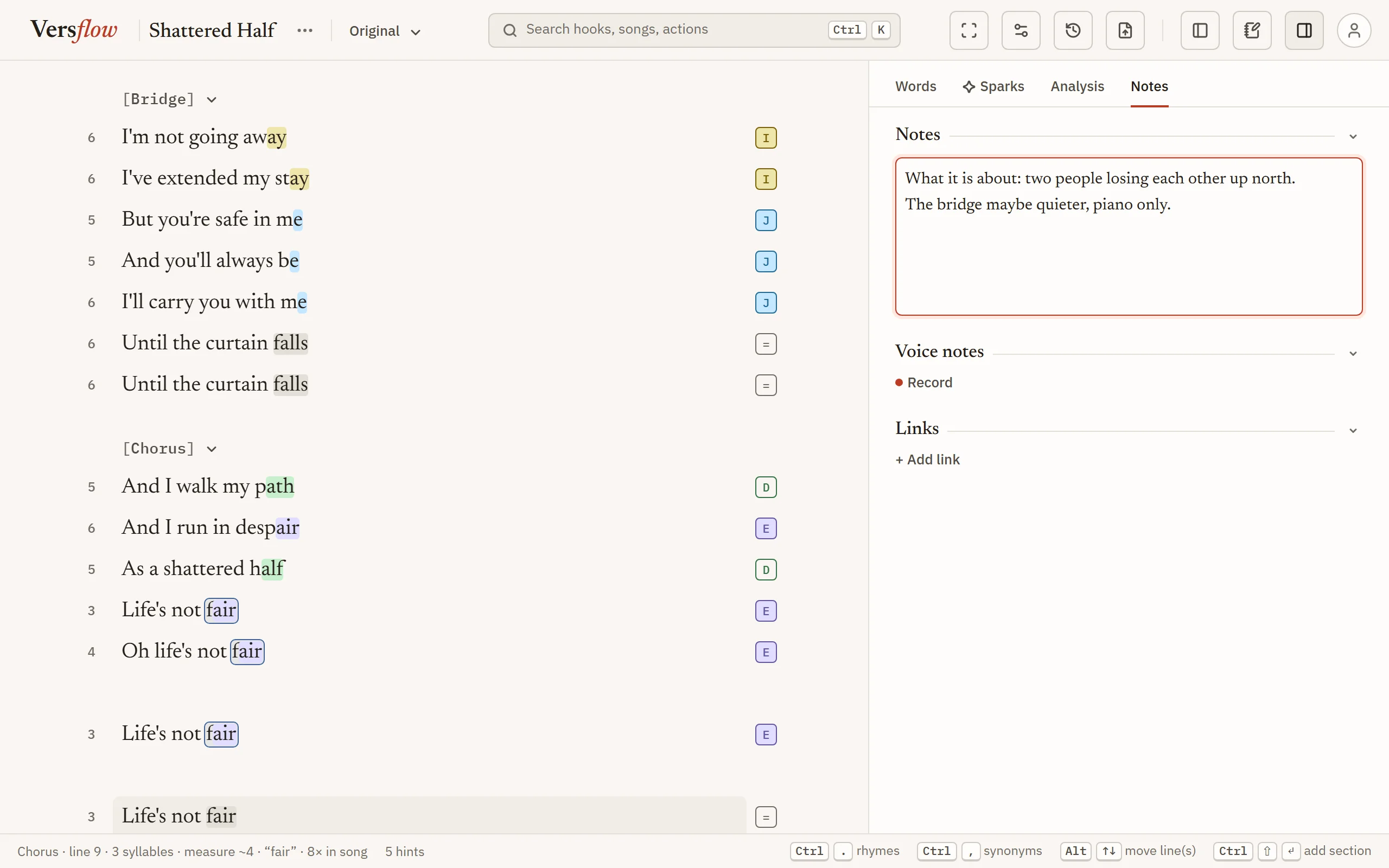
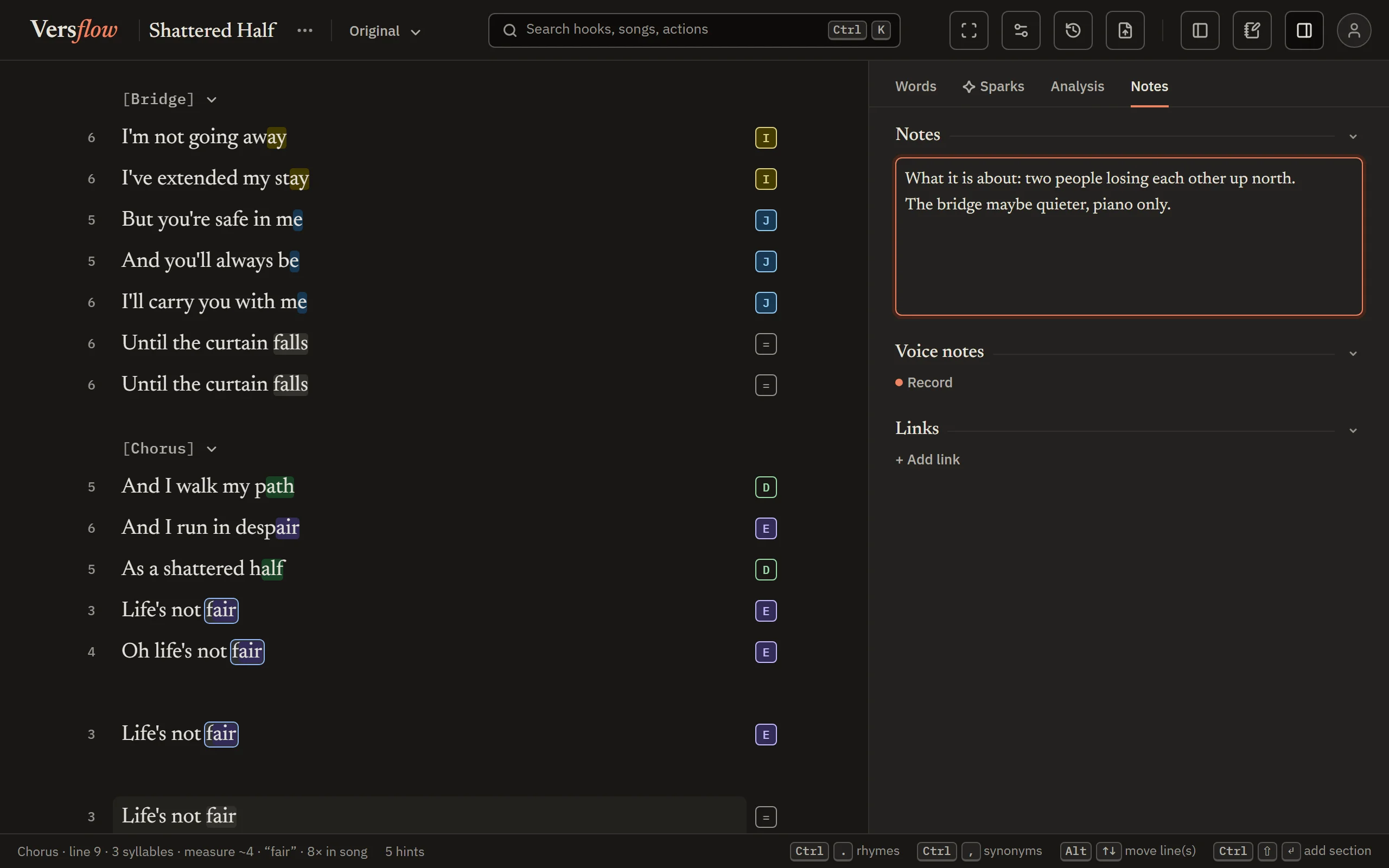
Notes, links and voice notes
- Notes: free text about the song, saved like the lyrics. It shows up in no export.
- Links: to a reference, a beat, a video. + Add link takes an address and, if you like, a label. Links to YouTube, Spotify, SoundCloud, Apple Music, Deezer, Vimeo and Suno have a ▶ in front: a click opens the player below, and you keep writing while it plays. Before that, VersFlow loads nothing from these services.
- Voice notes: with Record you hum a melody or sing a line, up to a minute.
Start a song from a hook, and it brings its notes, links and voice notes along.
A voice note at a line
A melody usually belongs to one place. Put the cursor in the line and choose Record here in the command palette (Ctrl + K), or + Voice note in the bar at the bottom on your phone. While it records, a red dot with the time stands at the line, and a bar below the lyrics shows how long it has left. Stop in that bar, or a click on the dot, ends it. The recording then belongs to that line: a ♪ stands at the line's end, and a click on it shows the recording under Voice notes, where you play it.


- A recording without a line: drag it from the list onto a line, or choose Attach to this line in its ⋯ menu (the line with the cursor).
- The list shows the line instead of the date, such as "Verse 1 · line 3"; a click shows it in the lyrics. Hover over the recording or its ♪, and the line gets a frame.
- The ♪ moves with its line when you write above it, move it or change words in it. Delete the line, and the recording stays, showing the old line.
- Detach from the line in the ⋯ menu makes it a recording without a place again.
- The place belongs to the variant you set it in. A hook has no lines: its recordings come into the song without a place, and you attach them there.