Templates
If you release music regularly, you write the same frame again and again: title, lyrics, copyright, the same hashtags. A template sets that frame once. VersFlow fills it for each song with its title, its lyrics and whatever you've noted down for it.
How it works
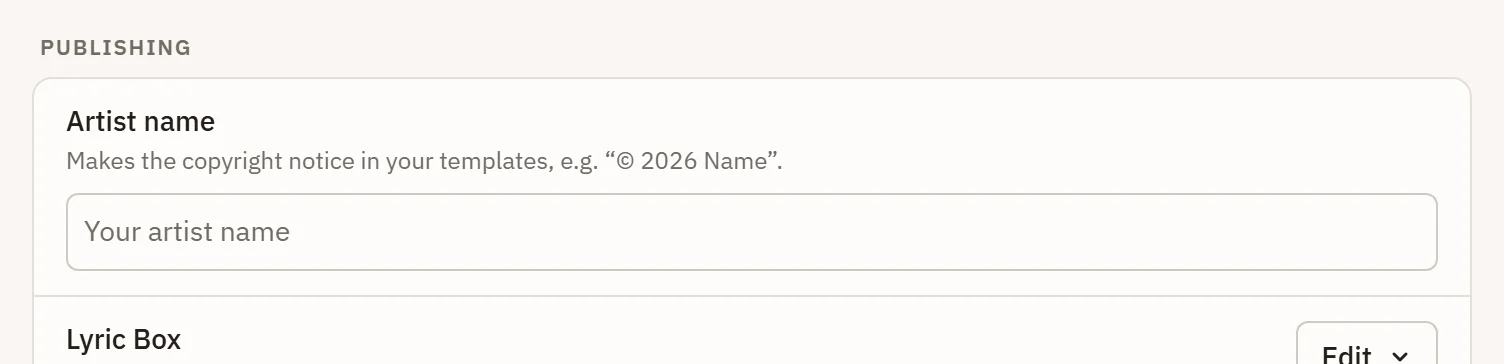
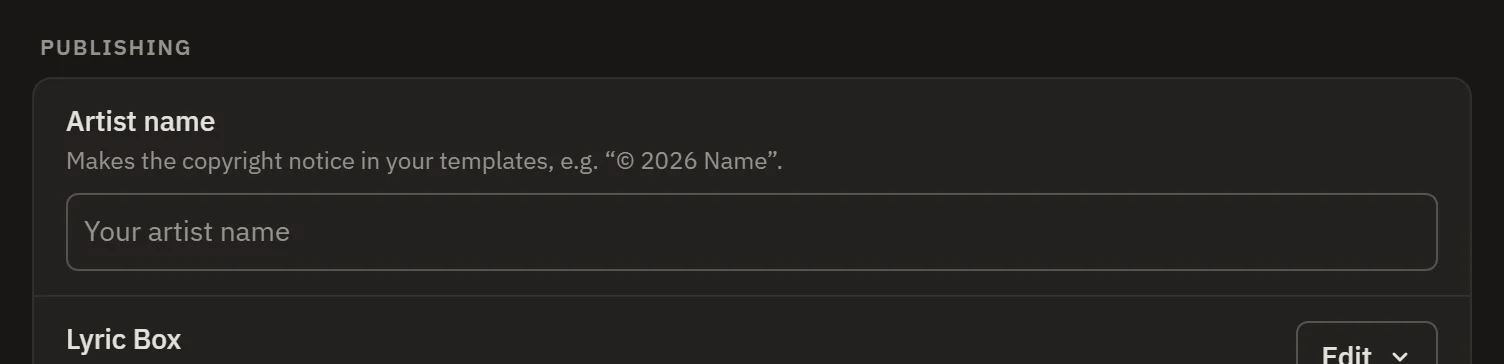
- Open Settings and scroll to Publishing.
- Enter your Artist name. It becomes the copyright line, say "© 2026 Exe of Doubt".
- Next to Lyric Box, Video description or Captions, click Edit and write your layout. Fixed text stays as you write it; placeholders in curly braces are filled for each song.
- The Export shows the result for your song. From there, Edit template takes you back.
The placeholders
In all three templates:
{title}the song's title,{lyrics}its lyrics{caption}a sentence or two about the song, which you write under Lyric Box when you export{year}the year,{copyright}the line made from your artist name
In the video description the AI also fills {summary}, {excerpt}, {excerpt-note}, {theme}, {emoji}, {question} and {hashtags}. In the captions for Reels and Shorts it's {hook}, {line}, {question} (theses only) and {hashtags}: five per caption, your own included. The AI placeholders need a free account.
An example
A template for the Lyric Box:
{title}

{lyrics}

{caption}
{copyright}
For "Shattered Half" that becomes the title, the whole lyrics, your caption and "© 2026 Exe of Doubt". If a placeholder is empty, say the song has no caption yet, its line simply drops out.
Good to know
- Reset brings back the template VersFlow came with.
- A placeholder VersFlow doesn't know stays as it is, and VersFlow tells you.
- Templates apply to every song. What changes per song, like the caption, you write when you export.