Versions and variants
Rewriting sometimes loses a line that was better than the one replacing it. In VersFlow you don't need to worry about that: the history keeps your versions, and a variant lets you try another way without giving up the first.
The history
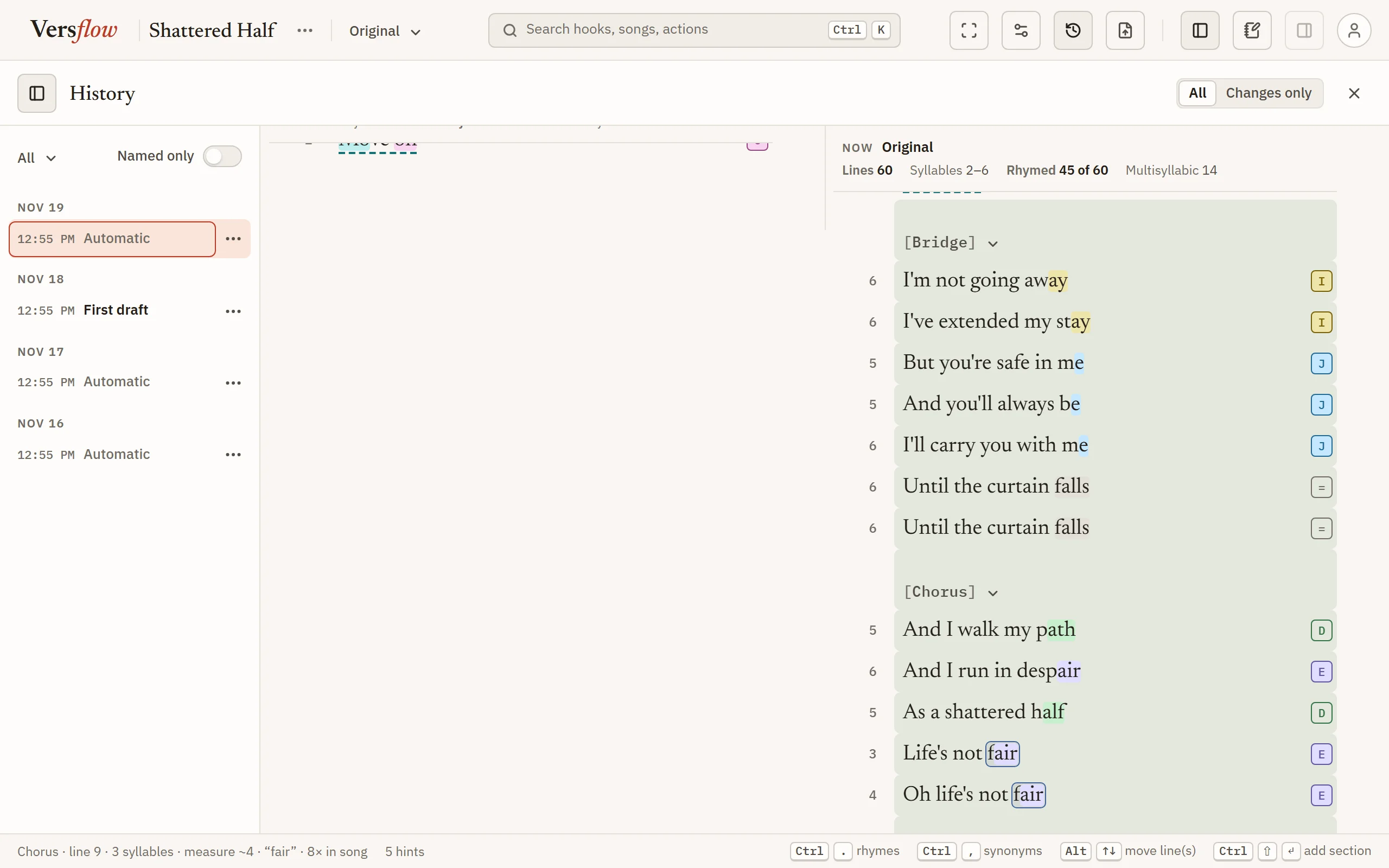
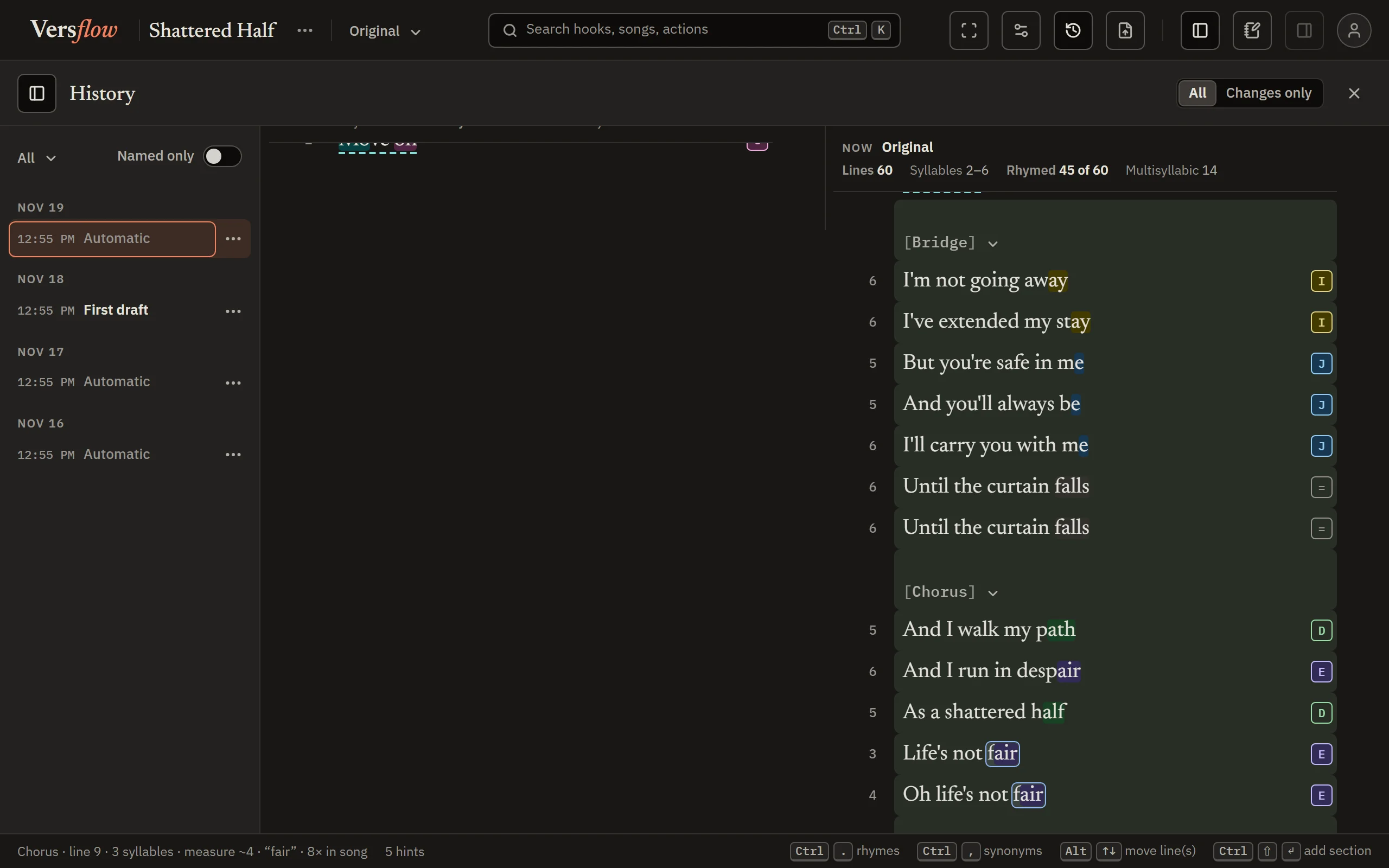
While you write, VersFlow keeps your lyrics in the history on its own. Every export goes in too, with its destination.
- Press Ctrl + Alt + Z, or click the clock icon at the top right.
- Choose an entry on the left. In the middle is that earlier version (Before), on the right your lyrics as they are Now, section beside section.
- Like a line from back then better? Take it over with one click, or the whole section.
Changes only hides what stayed the same. Above the columns you see how lines, syllables and rhymes have changed.
Keeping a version on purpose
Ctrl + S adds an entry now. Its ⋯ menu lets you name it, say "First draft". Named entries are always kept, and Named only shows just them.
Variants
A variant is a second version of the same song, for example with a different chorus.
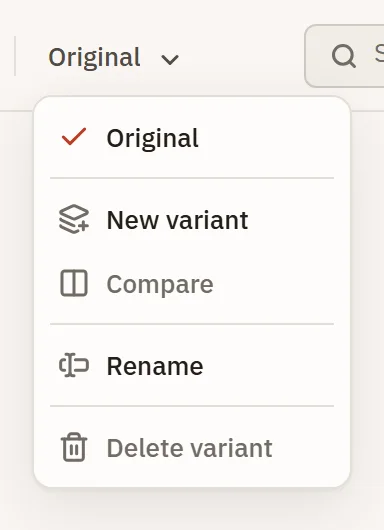
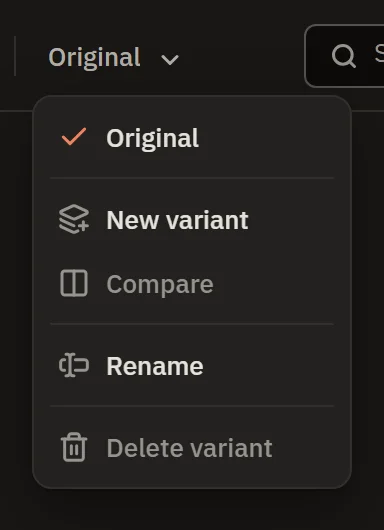
- Click Original next to the title at the top, then New variant.
- Choose how it starts: with your current lyrics, with an entry from the history, or empty.
- The same menu switches between variants or compares them side by side.
Good to know
- Restore replaces your lyrics with an earlier entry. Your current lyrics stay in the history as "Before restore".
- Each variant has its own history and its own exports.
- The history has an address of its own. The ✕ at the top right, Esc or the browser's Back take you back to your lyrics.
- Delete a variant and its last lyrics stay in the history of the other one.