AI as a sparring partner
The AI in VersFlow doesn't write lyrics. It does what a good co-writer at the table does: it throws in images, asks questions and reads your draft. What you take from it, and what it turns into, is your call.
What it can do
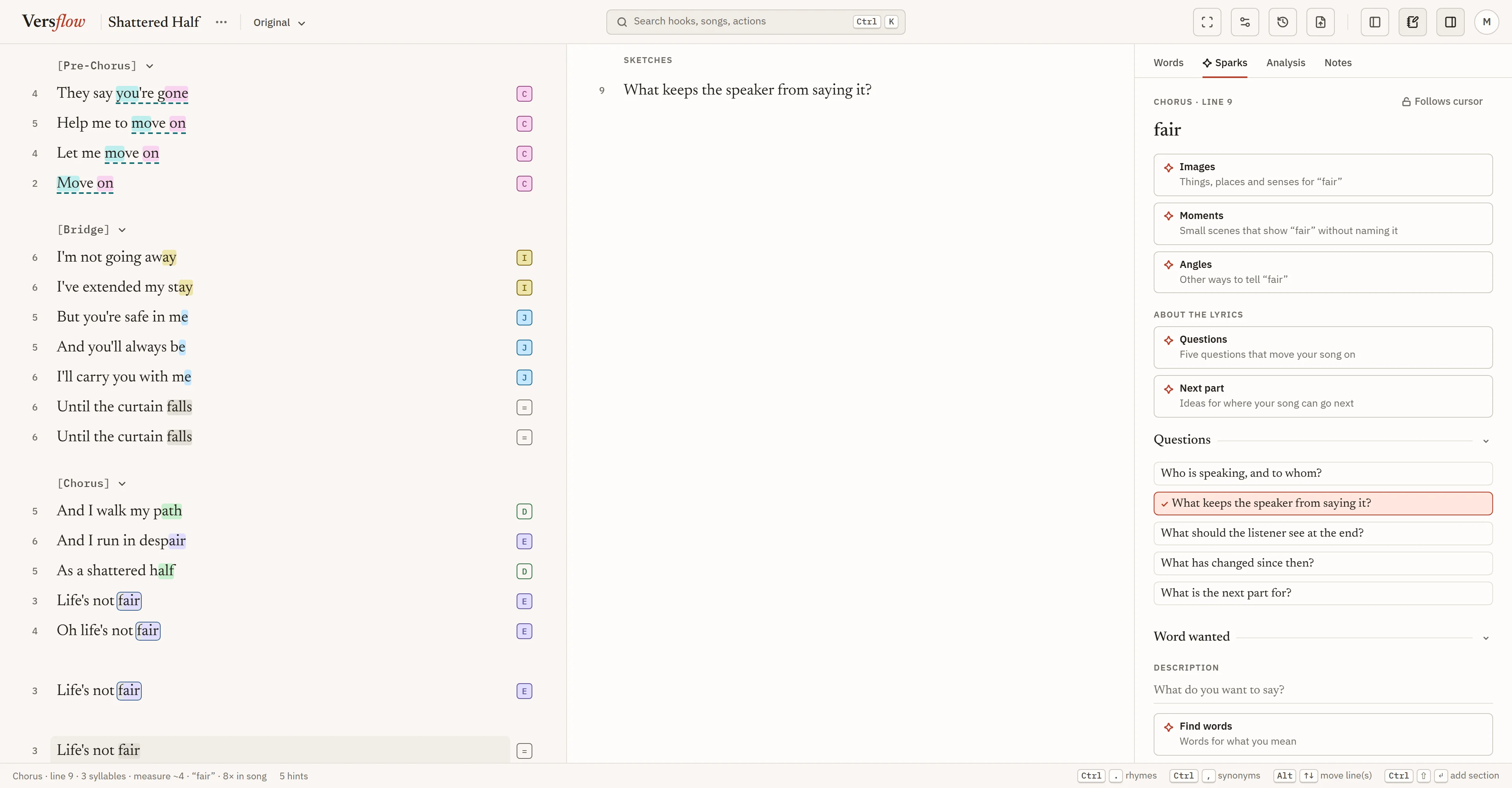
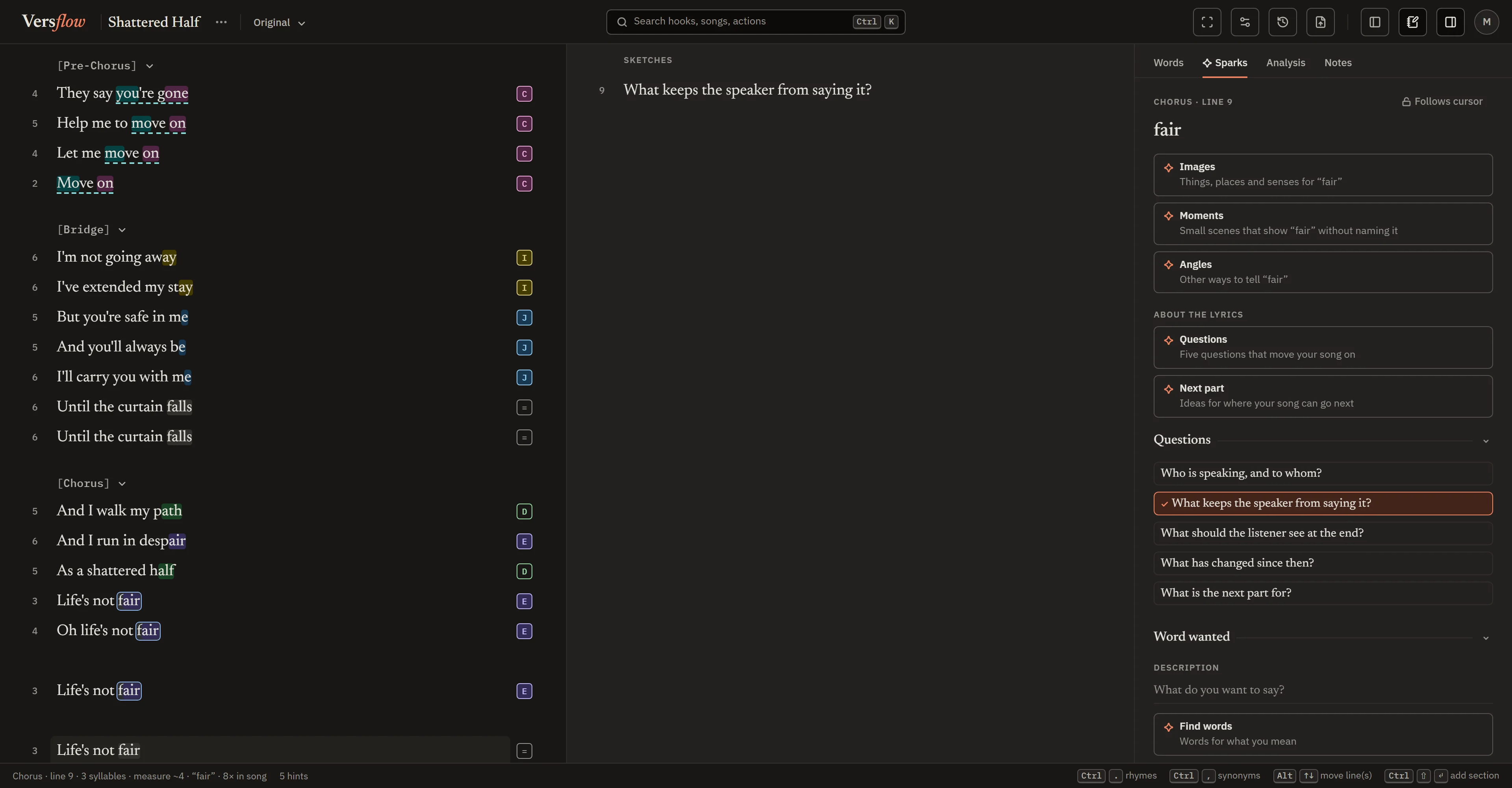
In the side panel's Sparks tab. The examples show what comes back – material to think with, not finished lines:
- Images for a theme or word, sorted into things, places, senses, contrasts.
- Moments that show a feeling instead of naming it. For "missing someone", say: one plate on the rack, two toothbrushes, one dry, hall light still on.
- Angles on your theme, say: From the one who stays behind.
- Questions about your song, say: Who is speaking, and to whom? or What keeps the speaker from saying it? And ideas for what the Next part could be about.
- Word wanted: describe what you want to say, say "the longing to be somewhere else", and get words like wanderlust, restless, itchy feet.
And elsewhere:
- Second read in the Analysis: stylistic devices, imagery, possible hooks, tense and point of view, grammar. Say "mixed metaphor" when two images clash, or "told, not shown".
- Fitting rhymes with the rhymes: from the list, the AI marks the rhymes that also fit the meaning of your line, and finds more.
- With AI under Match syllables: for a line that is too long or too short, the AI suggests small changes, such as leaving out "just". Never a new line, only small changes in one place, and VersFlow counts every change itself.
- Suggestions for Styles and the caption, and texts for a video description and captions, all when you export.
How it works
- Sign in with a free account. It includes a monthly allowance of requests.
- Open the Sparks tab and click, for example, Questions.
- Click what moves you forward. It goes on top of your sketches, where you work with it. A second click takes it out again. The rest goes with the next round.
Your allowance
Every AI request costs me something, so each account has a free allowance per month.
- Every click on an AI action is one request. You can tell them by the ✦ before their name.
- How many you have left this month is in Settings under Account, say "AI: 24 requests left this month", and in the tooltip of every AI action.
- So the allowance lasts the whole month, there's also a limit per day. Once it's reached, the AI pauses until tomorrow.
- When the allowance is used up, the button tells you when it's back: at the start of next month.
- If a request fails or nothing useful comes back, it isn't counted.
Everything without a ✦ – rhymes, syllables, analysis, export – needs no request and always works, without an account and offline too.
Good to know
- The AI only sees your lyrics when you start an action. Each button's tooltip says exactly what is sent.
- Nothing of it gets into your lyrics without you putting it there.
- Your lyrics are never used to train AI.