Song structure
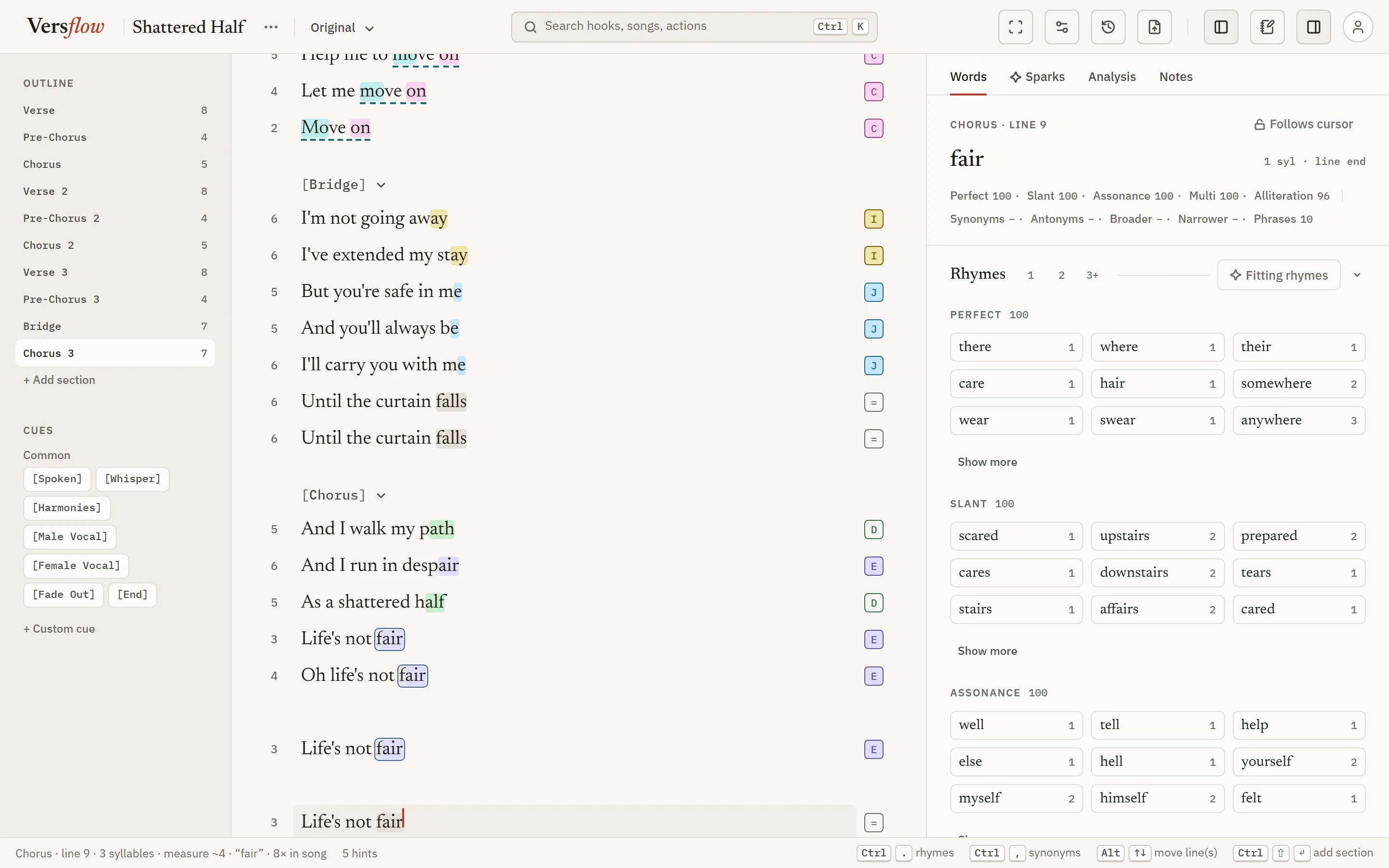
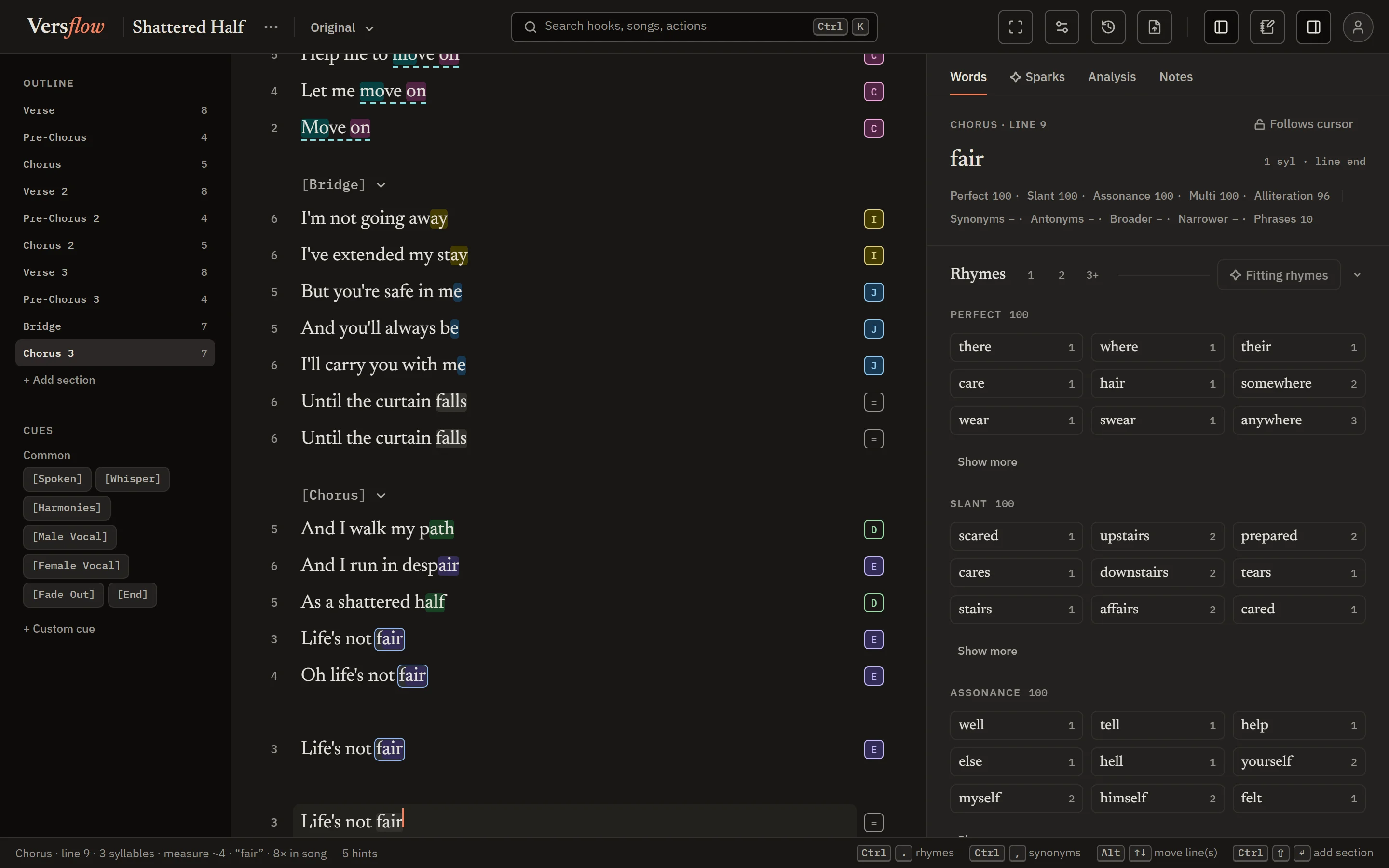
Most songs switch between parts that tell (verses) and a part that comes back and sticks (the chorus or hook). A pre-chorus builds tension; a bridge breaks the pattern once. Naming the parts shows you how your song is built, and lets you rebuild it without losing track.
How it works
- Write a section's name in square brackets on a line of its own, like
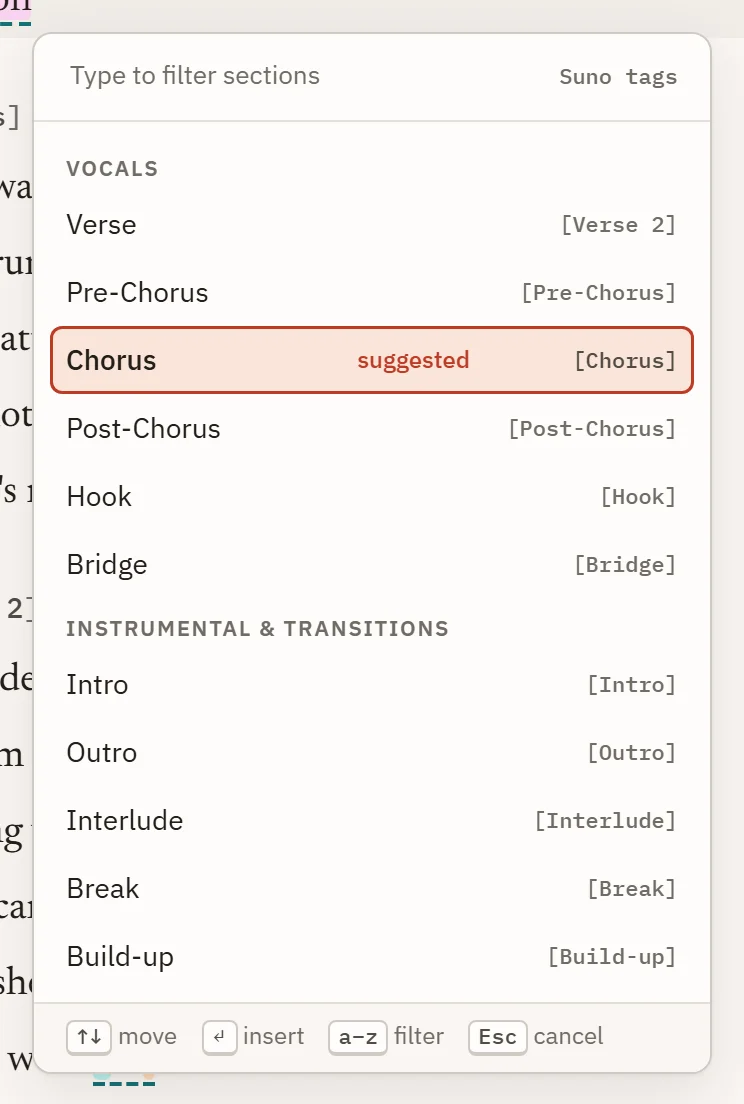
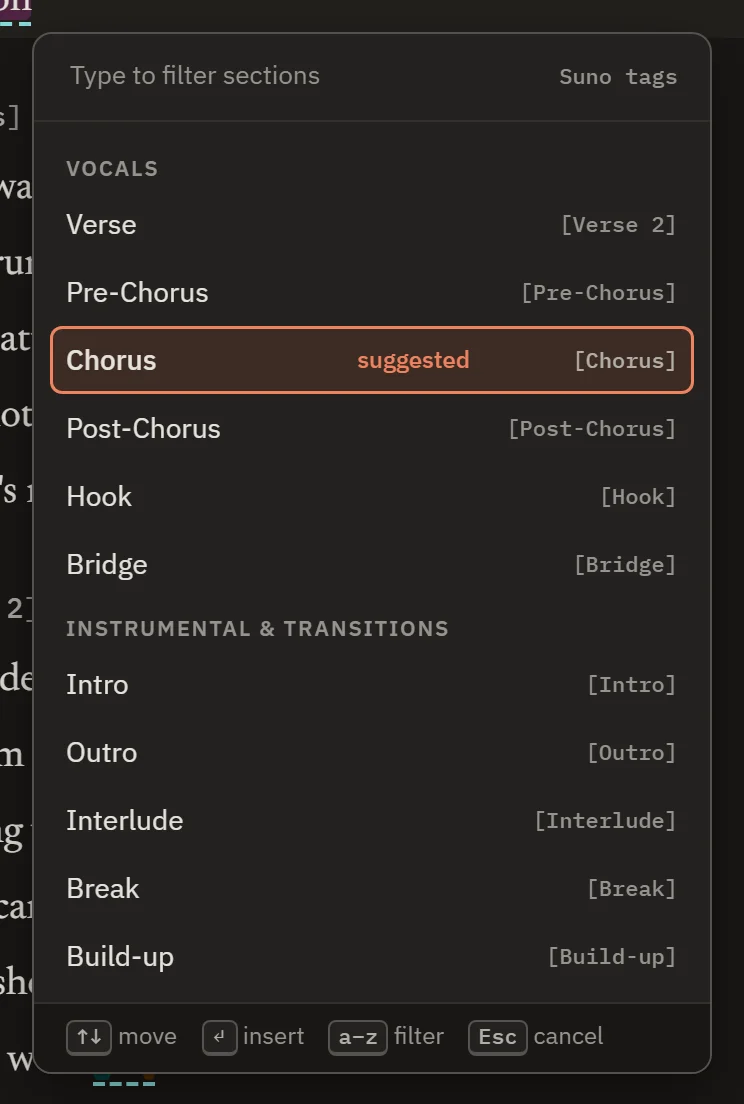
[Verse]or[Chorus]. VersFlow numbers the verses itself:[Verse 1],[Verse 2]. - Or press Ctrl + ⇧ + ↵. A list suggests the section that most likely comes next. Type to filter; ↵ inserts it.
- On the left is the Outline: every section with its number of lines. A click jumps there. + Add section adds one at the end.
- Move lines with Alt + ↑ and ↓.
Cues for Suno
Below the outline are Cues like [Spoken], [Whisper] or [Fade Out]. A click puts one at the caret. + Custom cue adds your own.
Good to know
- The outline needs room. In a narrow window it steps aside; close the side panel (Ctrl + I) and it comes back.
- A tag VersFlow doesn't know stays text and is marked. Ctrl + ⇧ + ↵ on it turns it into a section.
- Section names are in English, the way Suno, Genius and most musicians write them.