Hookbook
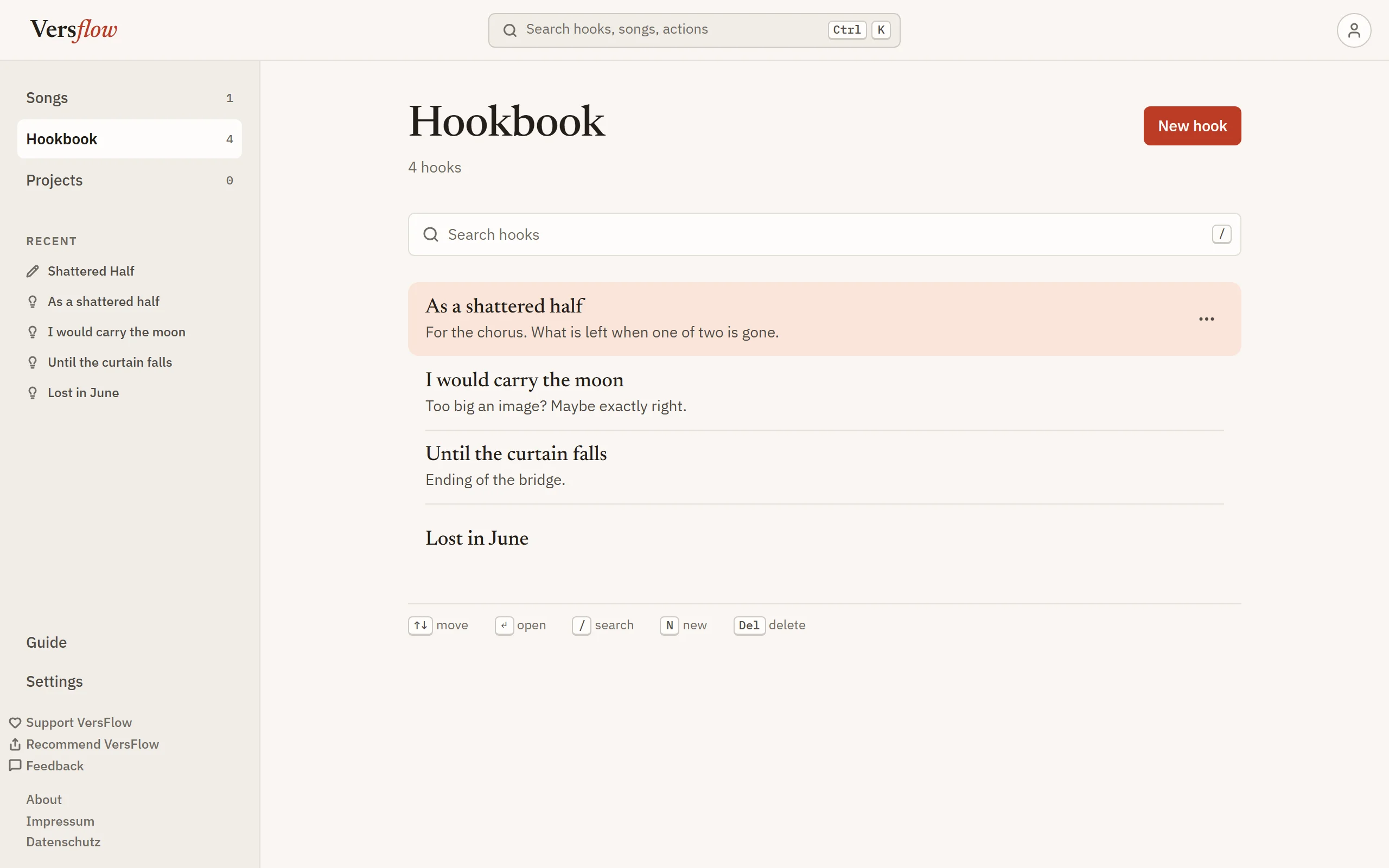
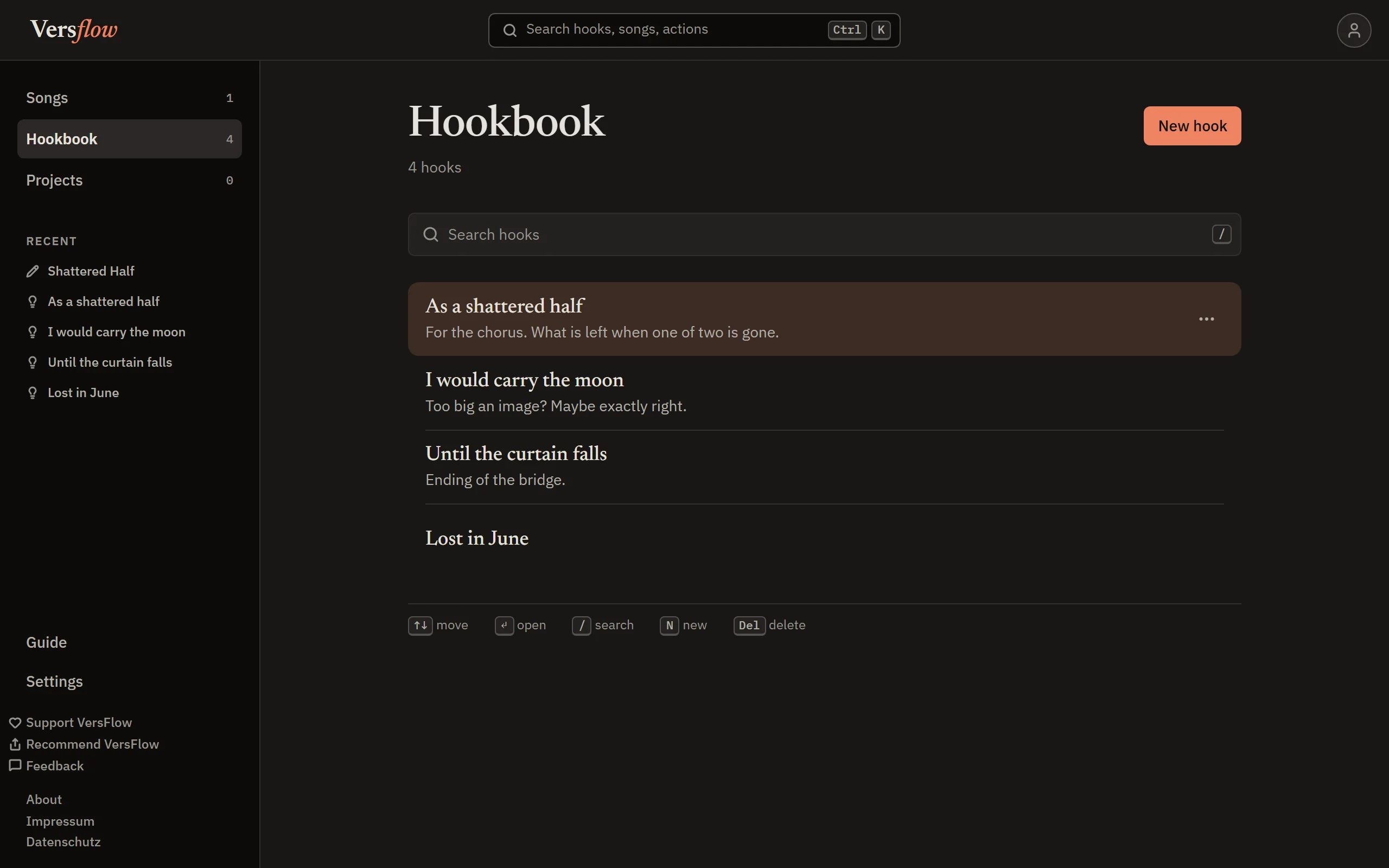
The best lines rarely turn up while you're sitting at a song. The Hookbook is the place for everything that isn't a song yet: a title, a line, an image, a feeling. When you need a start later, it's already there.
How it works
- Anywhere in VersFlow, press Ctrl + Alt + H, or click New hook in the Hookbook.
- Type a title. That's all it takes – the hook is saved.
- Below it, write whatever comes to mind, and add tags, links or a voice note if you like.
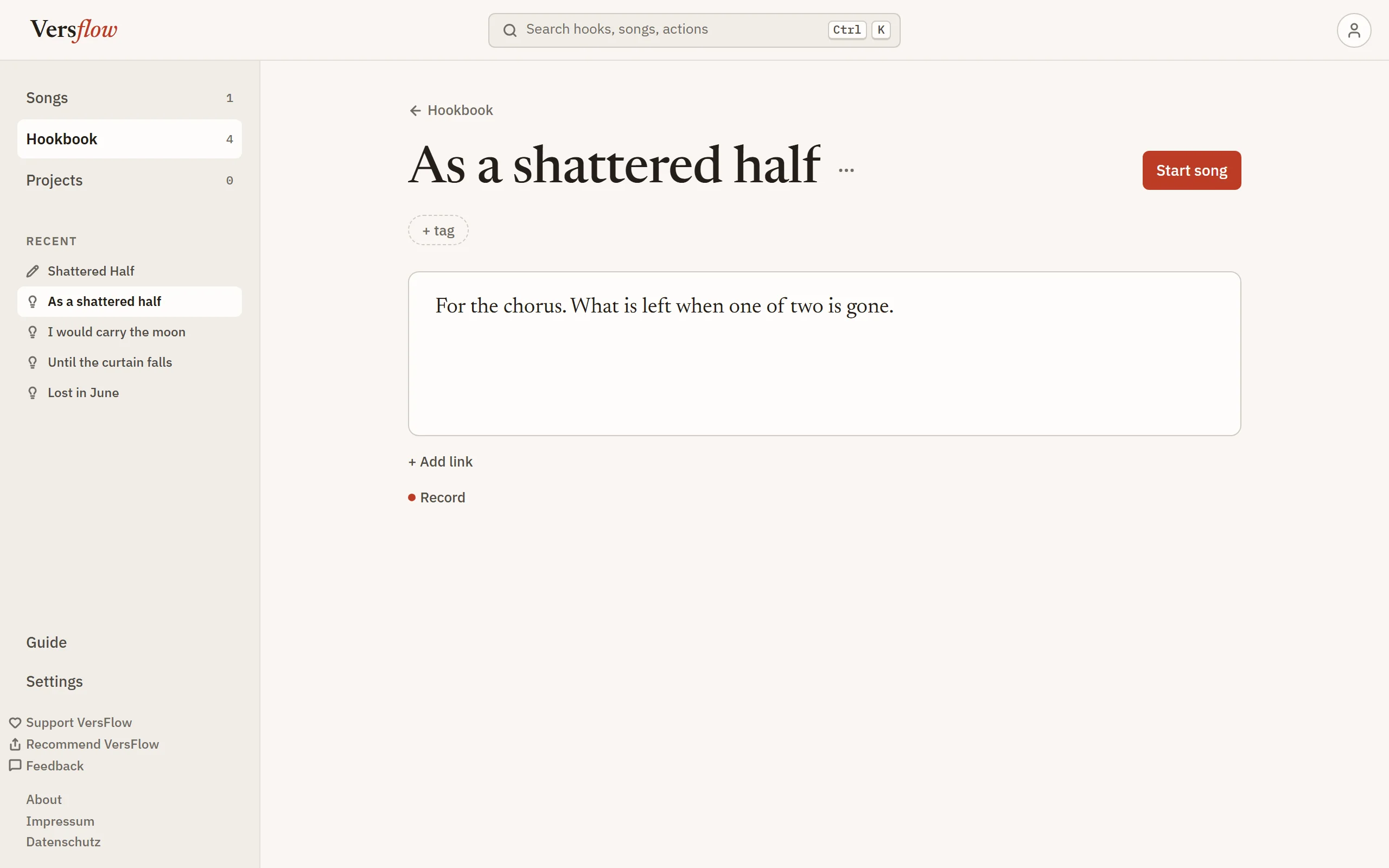
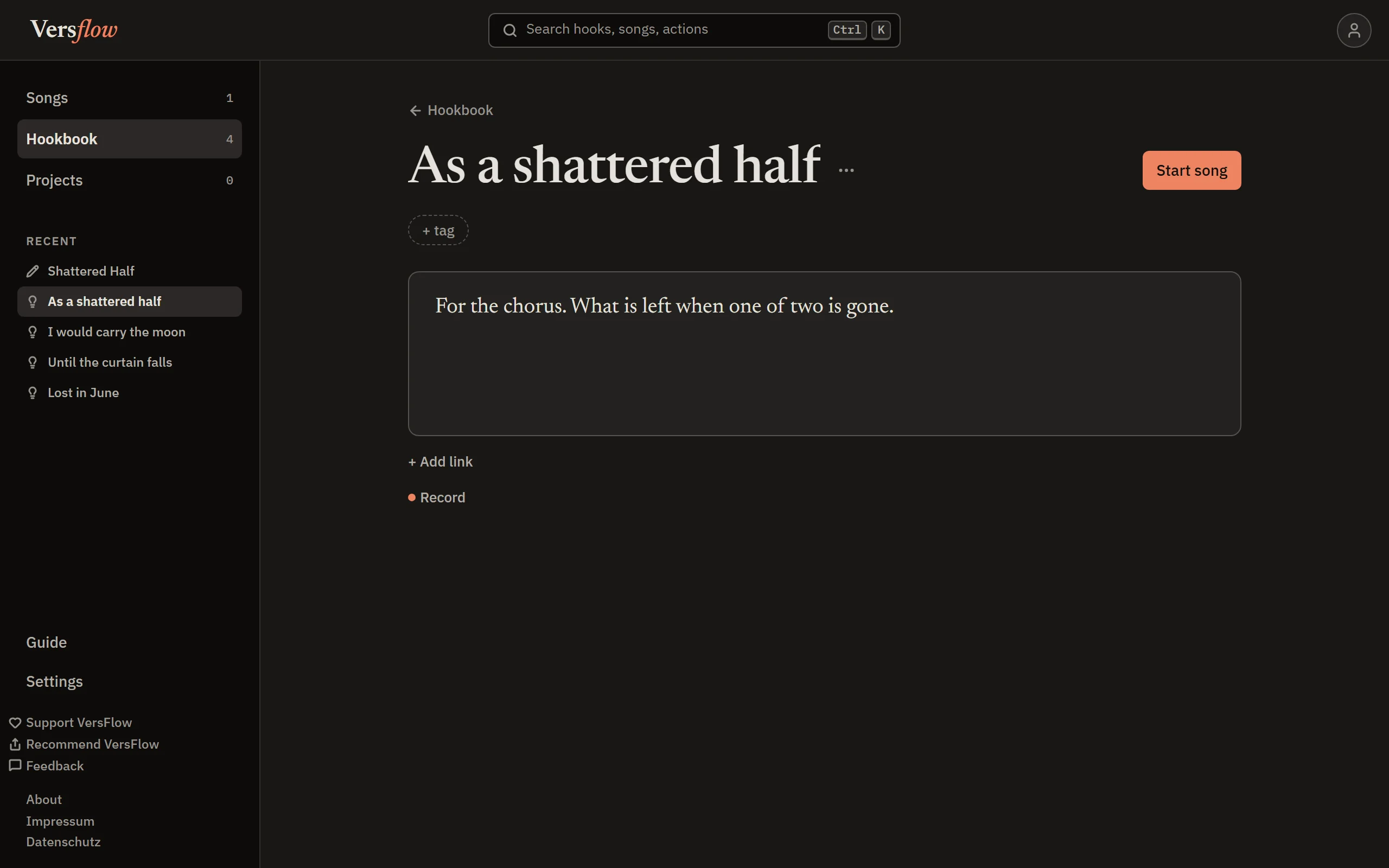
- When the idea wants to become a song, click Start song. The new song takes the hook's title, notes, links, tags and voice notes.
Voice notes
With Record you hum a melody or sing the hook, up to a minute. The recording belongs to the hook and goes with it into the song, where you can play it beside the lyrics or download it as an MP3. In the song you can attach it to the line it belongs to: Notes.
Good to know
- One hook can start several songs. While a song is linked to it, the hook shows as Used.
- / searches your hooks; tags filter them.
- Your latest hooks are in the sidebar under Recent.